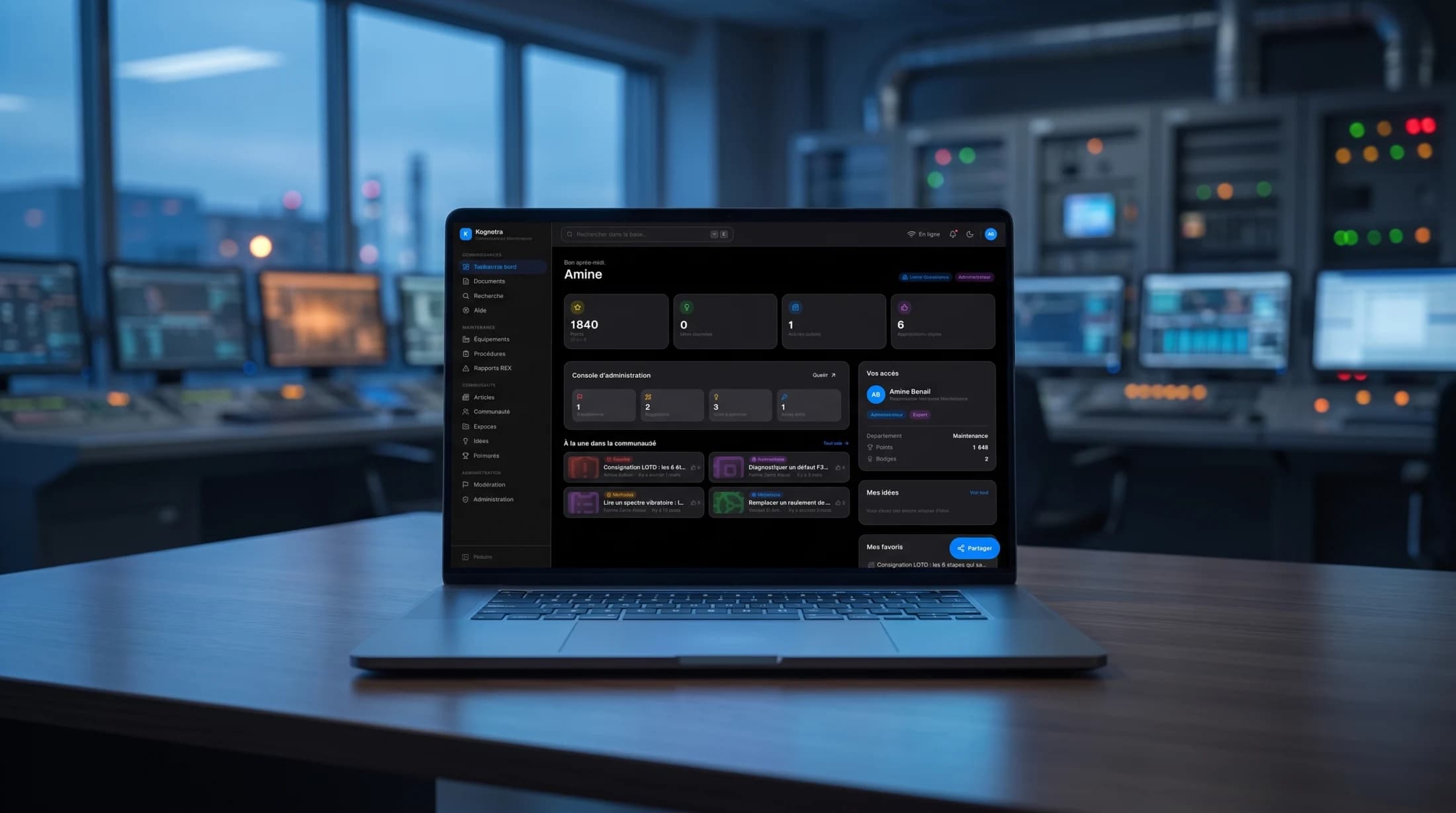
Private prépa networkUI/UXSaaSFront-end dev2026
PrepaTutor AI
An AI study suite for classes préparatoires: turn any question into a branching study board, generate a course or a concours-grade quiz, and see exactly where each student is struggling.
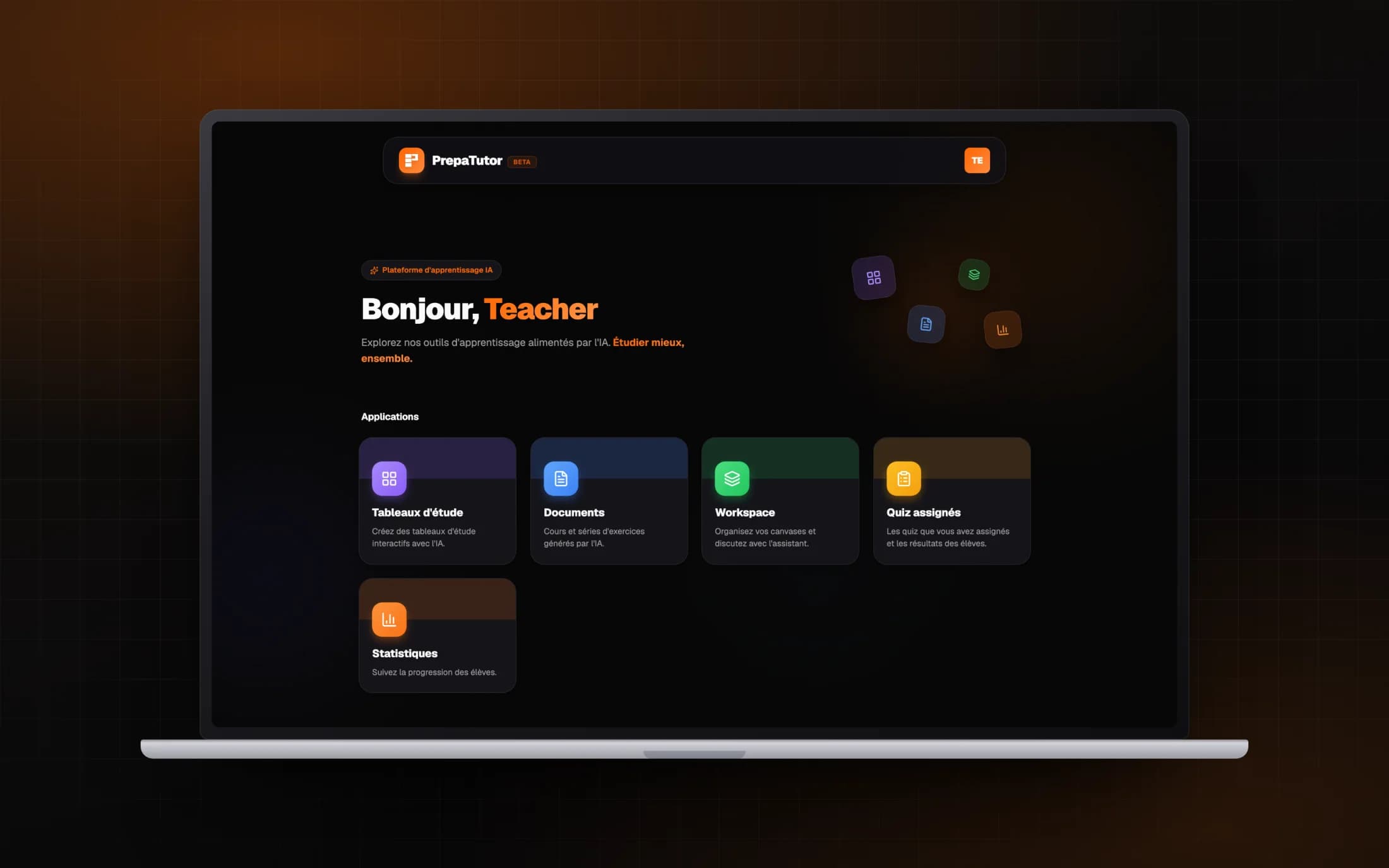
PrepaTutor AI is the study side of the platform, a set of AI tools behind one role-aware shell. A student turns revision into a spatial board where the tutor answers in nodes; a teacher generates courses, exercise sets and quizzes tuned to the real prépa filières, then watches a class through a learning-analytics layer. I led product and experience design across every tool, in light and dark.
01
The Problem
A prépa student revises against the clock and mostly alone. The AI tools within reach answer in a single scrolling thread, so a topic that branches, one question opening three more, collapses back into a line they lose by the next day. Making good material is just as heavy on the other side: a teacher hand-builds every course, exercise sheet and quiz, at a level that has to hold up against the concours, and only learns who was lost when the marks come back.
The brief was one AI platform for both sides of a prépa. Something a student would open to actually understand, not just to get an answer, and something a teacher could author from and steer a class with, without either of them feeling they were using a different tool.
02
The Solution
PrepaTutor AI puts three tools behind one launcher. Study boards turn AI tutoring into a map, where every question, hint and worked step is its own node on an infinite canvas. A document studio generates courses, exercise series and quizzes, parameterised by the real prépa ladder and rendered with proper mathematics. A progress layer reads how students actually work and shows it back to the student, the teacher and the school. What each person sees is shaped by their permissions, not by a menu.
The three are wrapped in one warm system: a single orange for action over a faint graph-paper ground, drawn in light and dark from the same tokens, so moving from a board to a document to a dashboard never feels like changing app.
Impact
- Study boards, a document studio and a progress layer, one shell
- 3 AI tools
- Student, teacher and staff each see only their own tools
- Role-aware
- Courses, series and quizzes tuned to the real prépa ladder
- Concours-grade
01Discovery
Two sides of the same clock
I started by watching how each side of a prépa actually uses AI today. Students revise against the clock with generic chatbots, and the failure is structural: a topic that branches, one question opening three more, collapses into a single scrolling thread they cannot find their way back through the next day. The tool answers, but nothing accumulates.
Teachers carry the mirror image of that weight. Every course, exercise sheet and quiz is hand-built at a level that has to hold against the concours, and the only feedback loop is the marks, weeks later. Both sides needed AI, but not the same AI, and not in two separate products.
Deep dive
Two findings framed everything after. First, generic AI fails prépa students not because the answers are wrong but because the format is: revision is a tree, and a chat is a line. Second, the platform had to serve student, teacher, supervisor and staff, whose tools overlap but whose permissions must not. So the first artifact of the project was the tool grid: which role is granted which tool, written down before any interface existed.
| Boards | Workspace | Studio | Quizzes | Analytics | Admin | |
|---|---|---|---|---|---|---|
| Student | ||||||
| Teacher | ||||||
| Staff |
02Framing
A launcher, not a dashboard
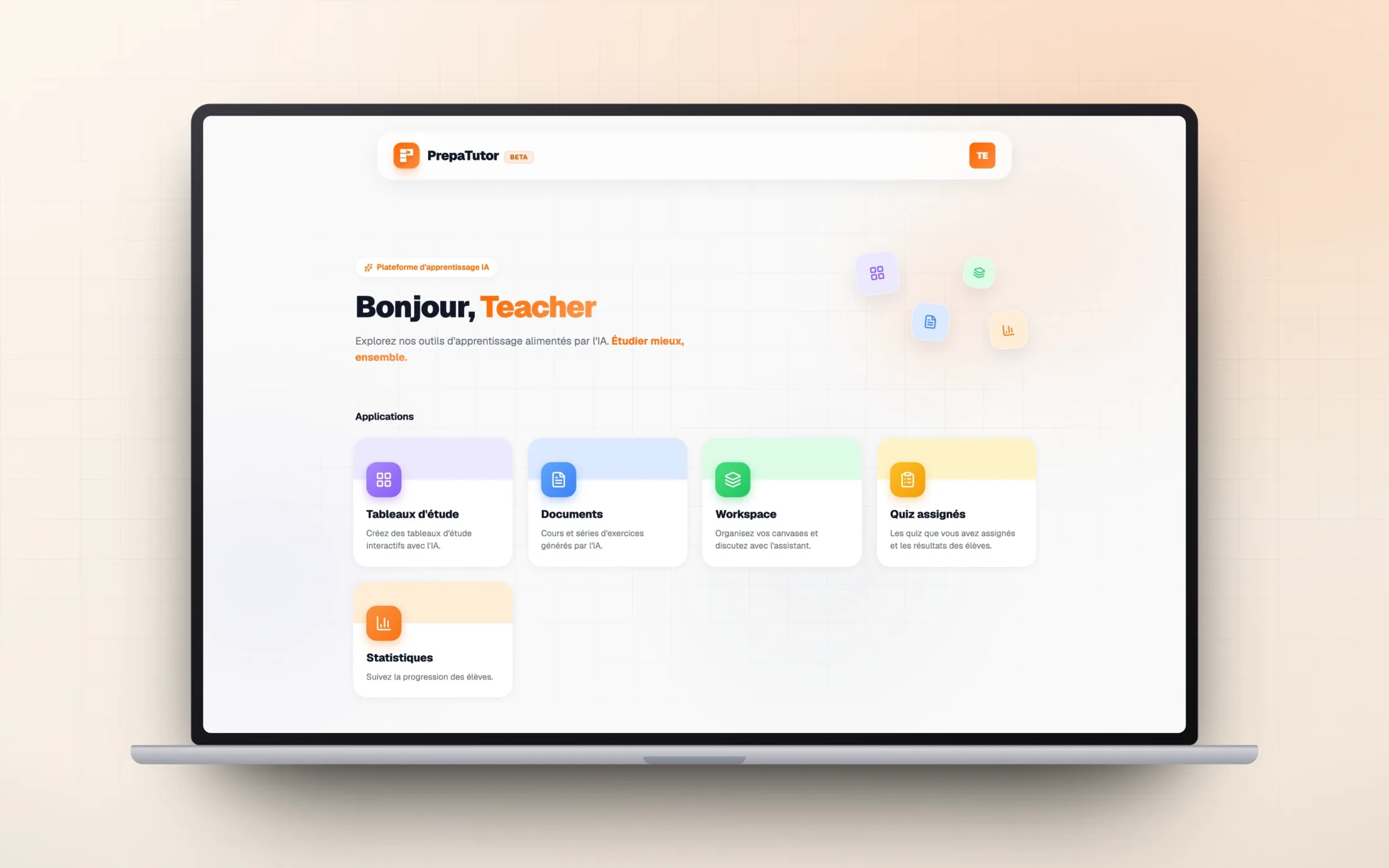
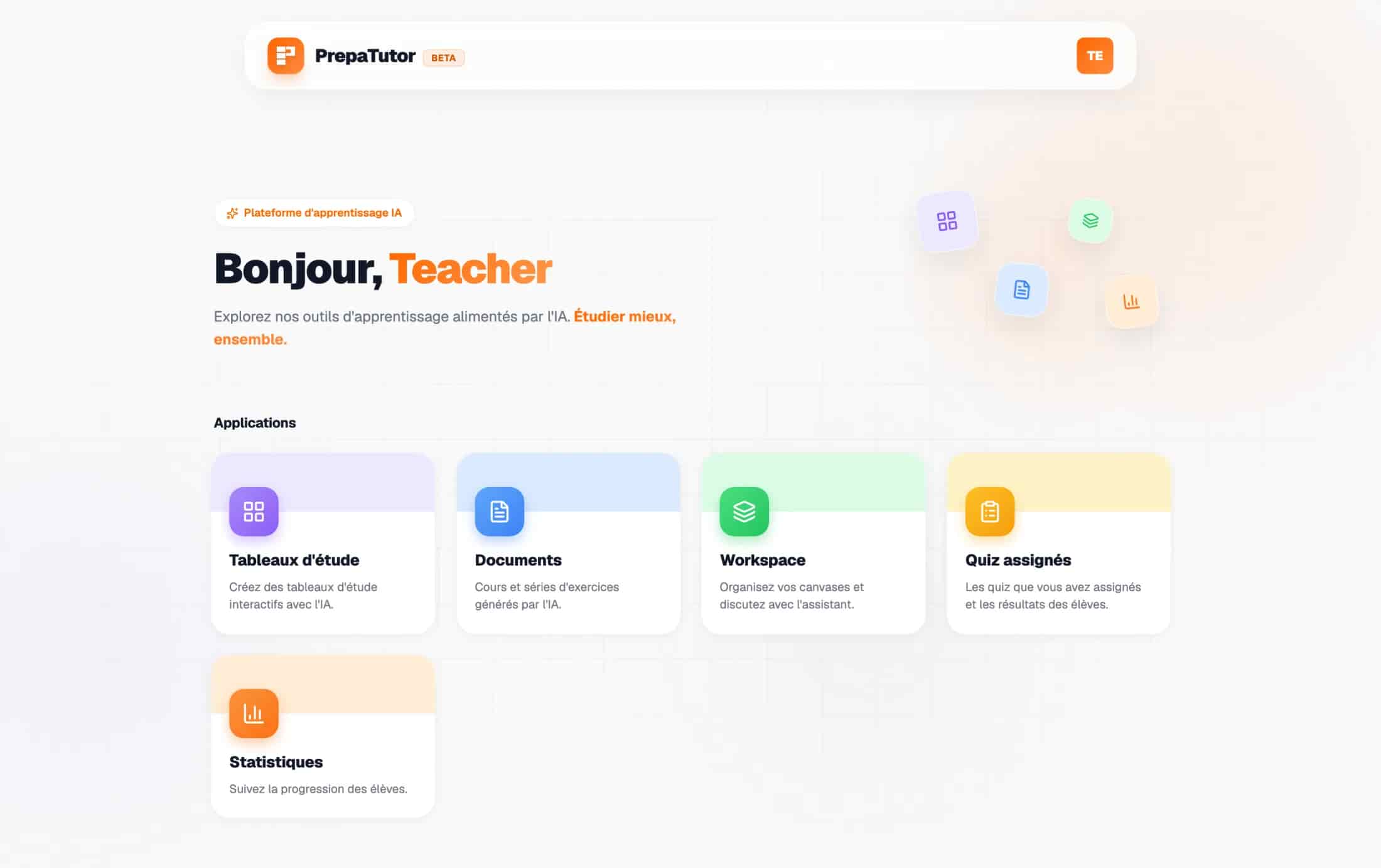
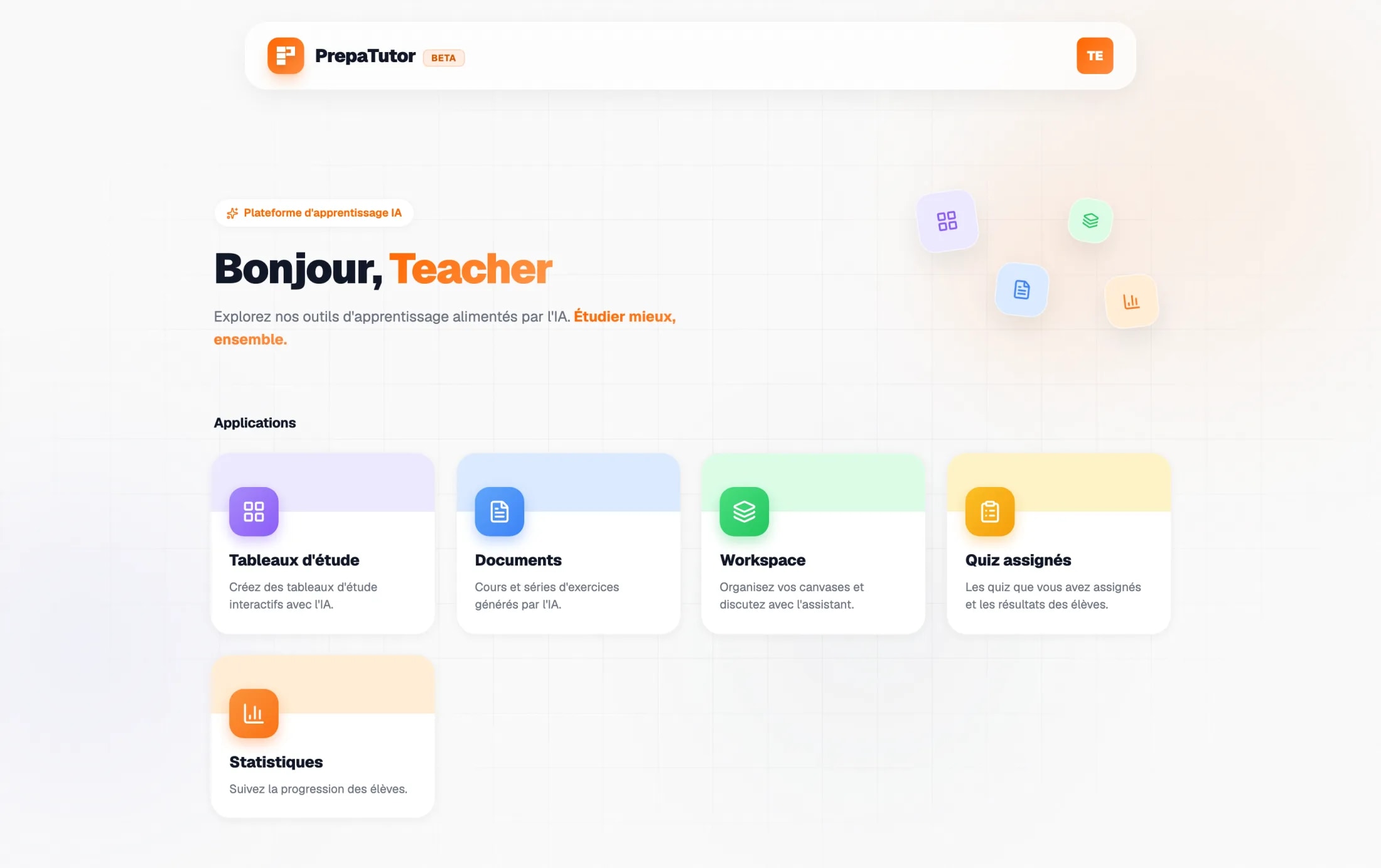
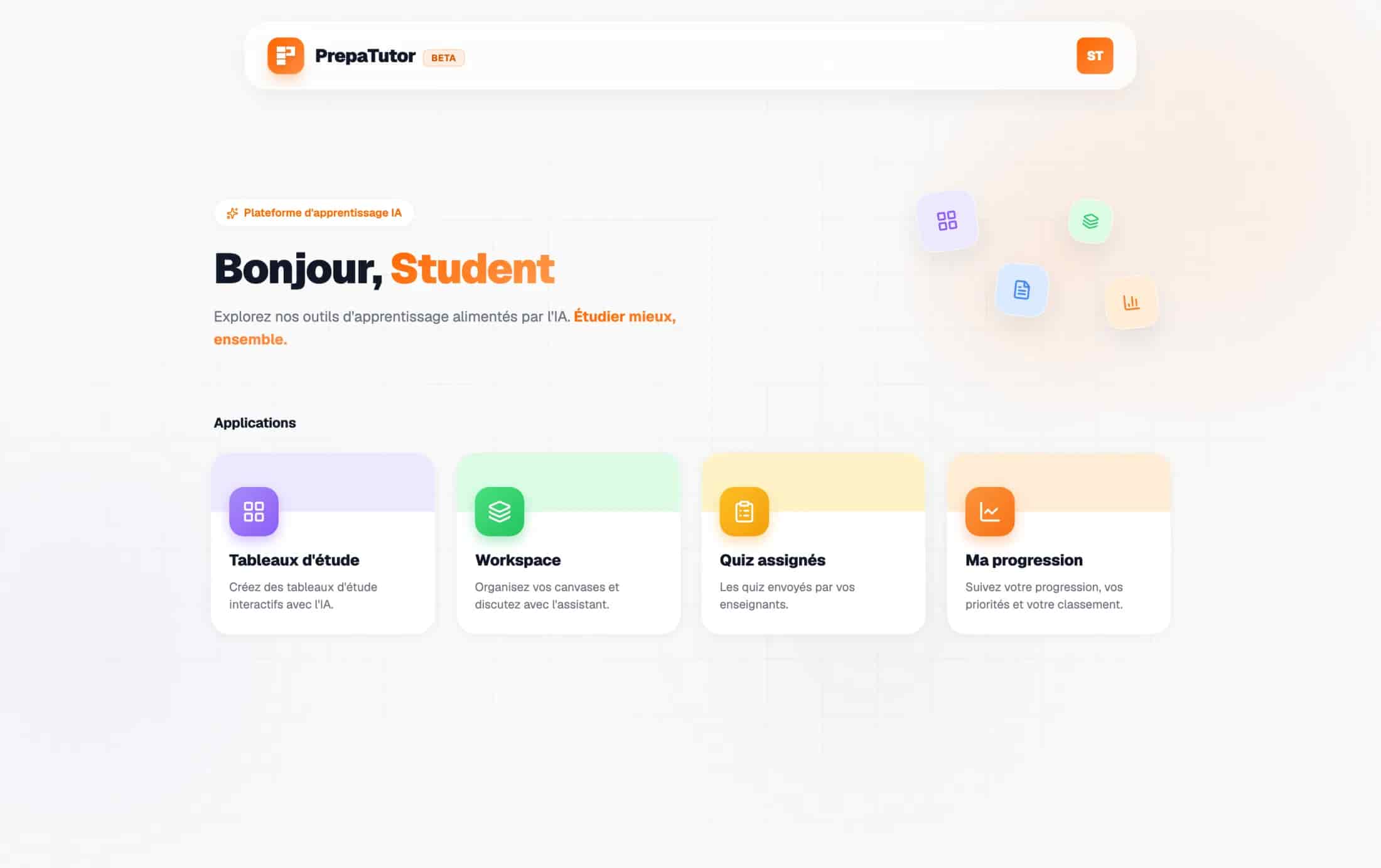
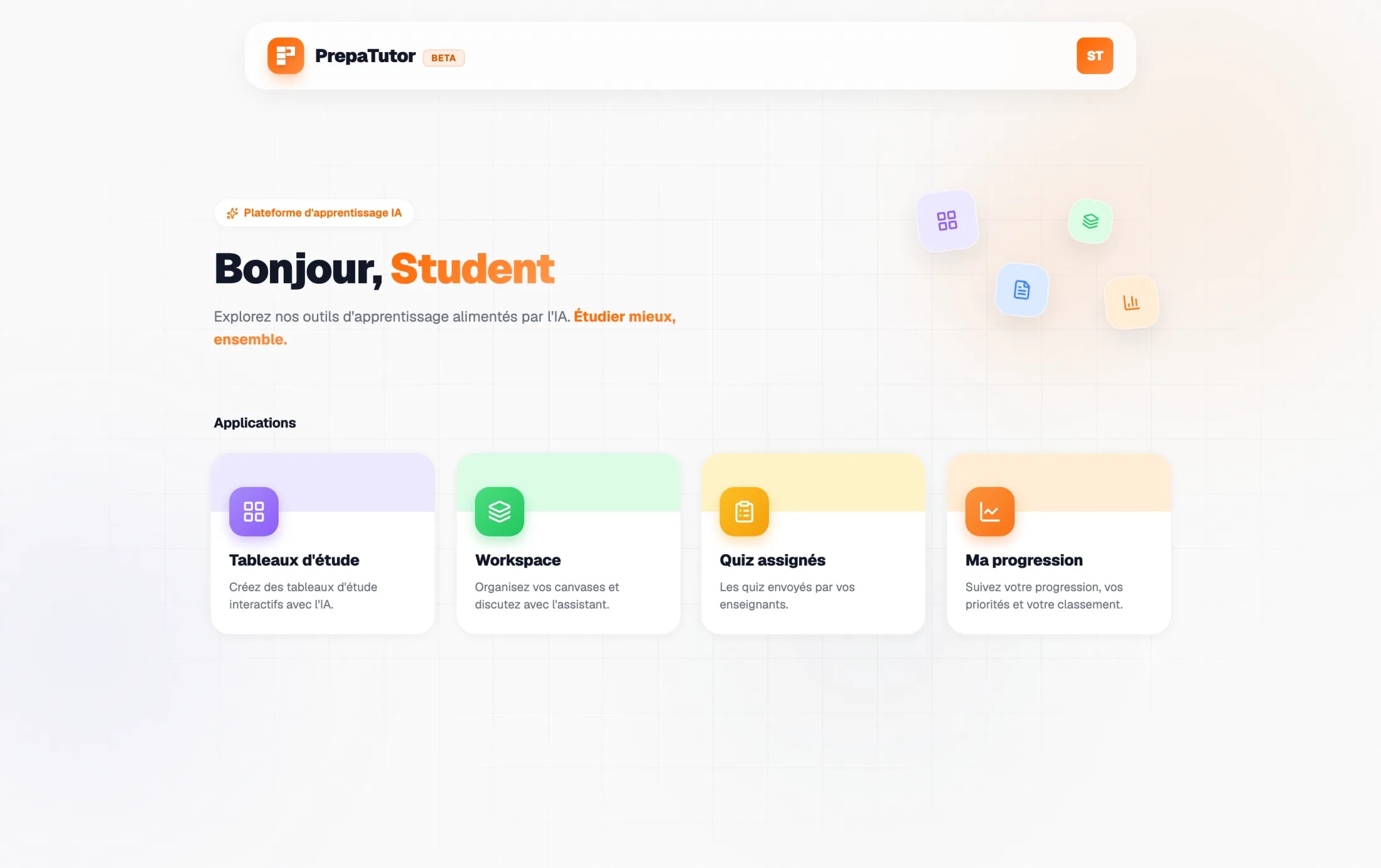
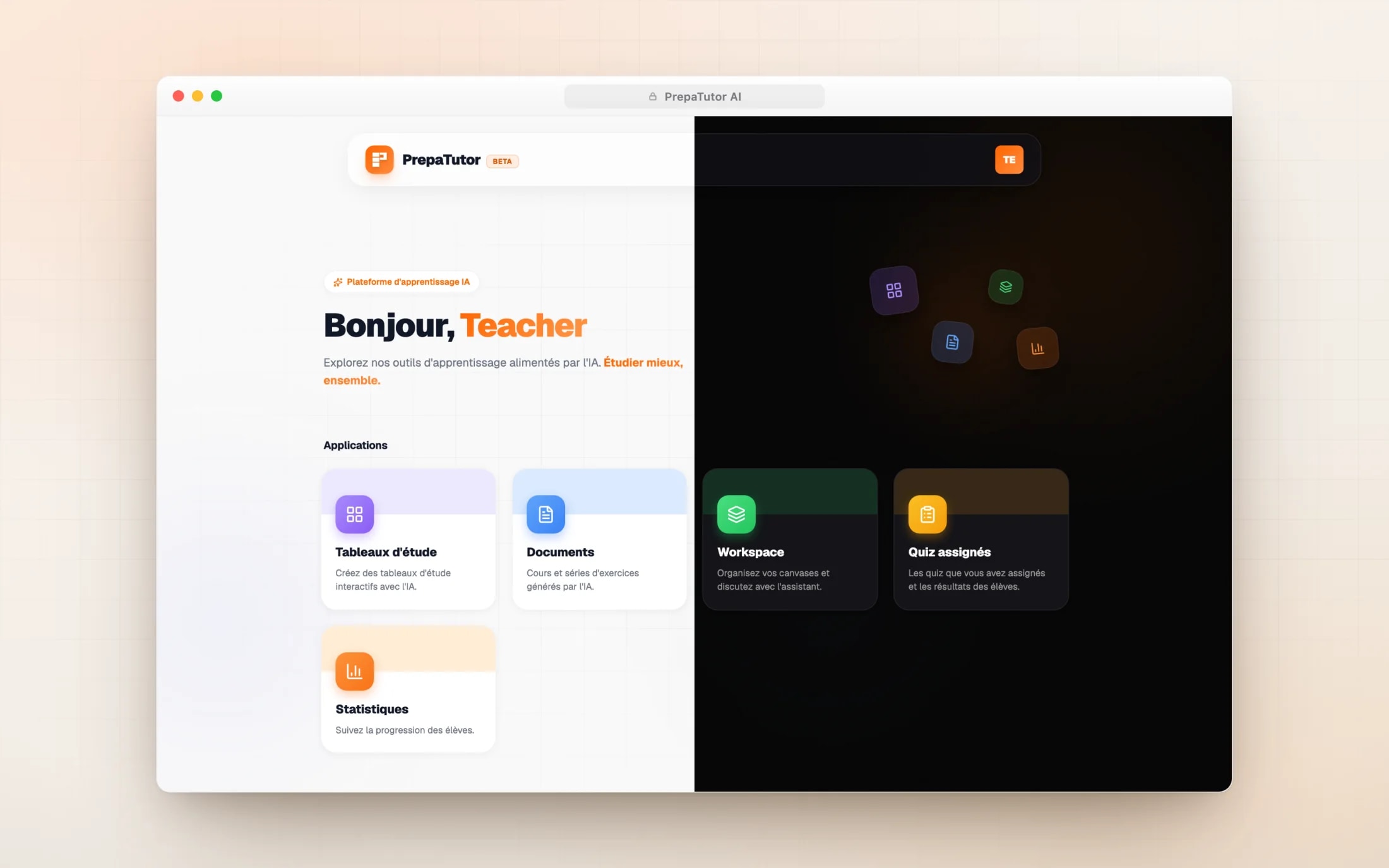
The suite is framed as three products behind one shell: study boards where revision happens, a document studio where material is authored, and a progress layer that reads how students actually work. The shell is a launcher: a calm grid of tools under a greeting, wearing the same glassy floating header everywhere.
Because every tool is a permission flag rather than a menu entry, the launcher shows each person exactly what they may use and nothing else. Four people use four different versions of the product, and each of them sees a complete product, not a restricted one.
Deep dive
The launcher itself was a decision against a dashboard. Landing a stressed student on a wall of numbers frames the product as judgement; landing them on a quiet grid of tools frames it as a desk. The numbers exist, but you go to them, they do not come at you.
- Infinite canvas
- Typed nodes
- Reading panel
- Workspace
- Course generation
- Exercise series
- Concours-level quizzes
- Editor and assistant
- Signals from the boards
- Mastery and autonomy
- Class and school views
- Alerts
03Exploration
The tutor could have stayed a chat
The riskiest design question was the student tutor. The obvious shape was the one every AI product already has: a chat. I explored three directions: the thread everyone knows, a living document that rewrites itself as you ask, and a spatial board where every exchange is a node on a canvas.
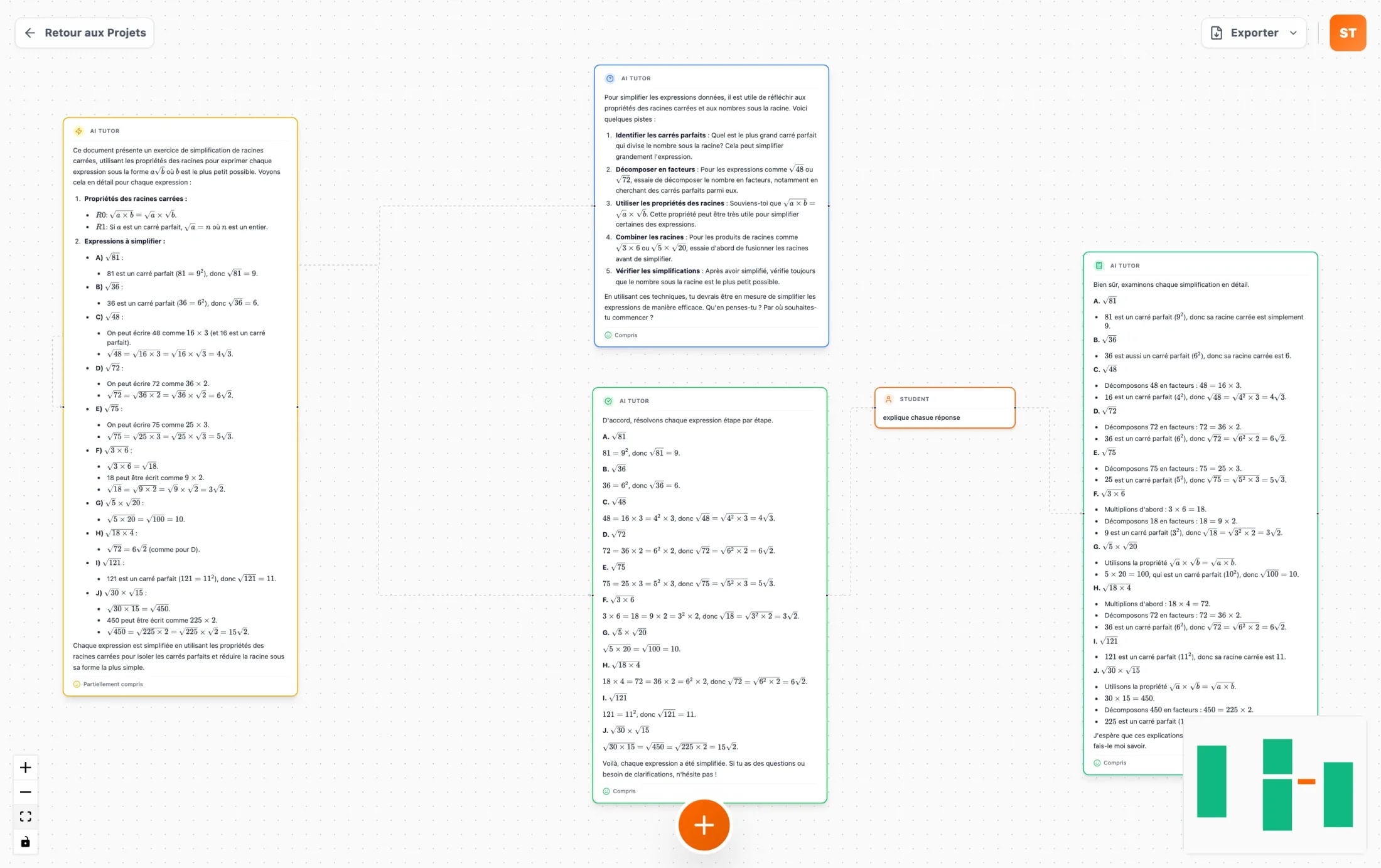
Walking a real revision session through each shape settled it. The thread collapses branching: by the third follow-up, the second question’s context is gone off the top of the screen. The living document hides the path: you see the answer, never how you got there. The board was the only shape where branching is free and the way back stays visible, so a session becomes a map a student can stand back from.
Deep dive
The board also solved context honestly. The tutor reads a node’s ancestor chain as its context, so what the model knows is exactly what the student can see on the path back to the root. No hidden window, no silent truncation: the structure of the board is the structure of the conversation.
- The shape every AI tool ships
- Branching collapses into a line
- Yesterday’s session scrolls away
- Answers merge into one clean page
- The reasoning path disappears
- Side questions have nowhere to go
- Every exchange is a node
- Branching is free and visible
- A session becomes a map
04Study
A grammar for the board
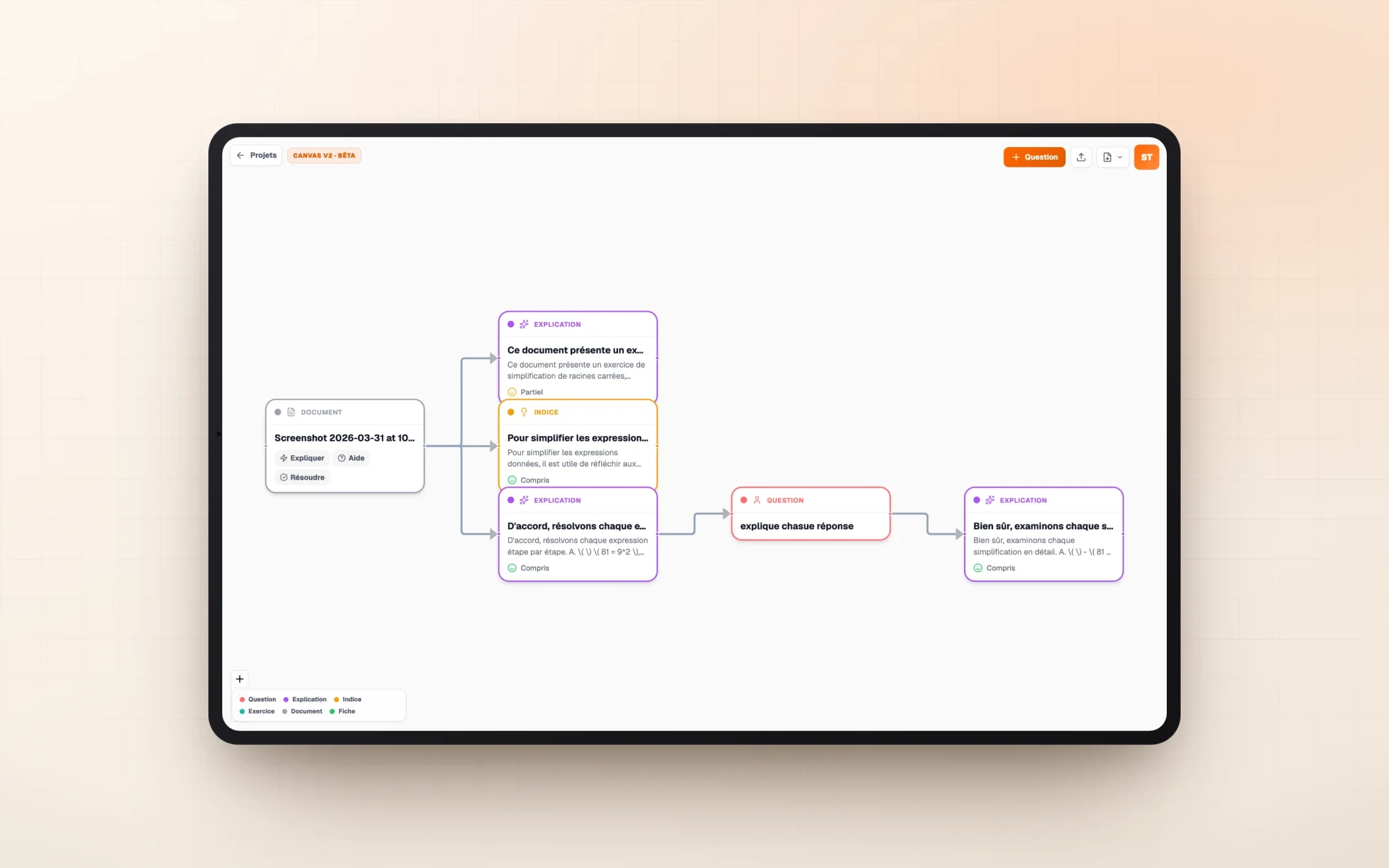
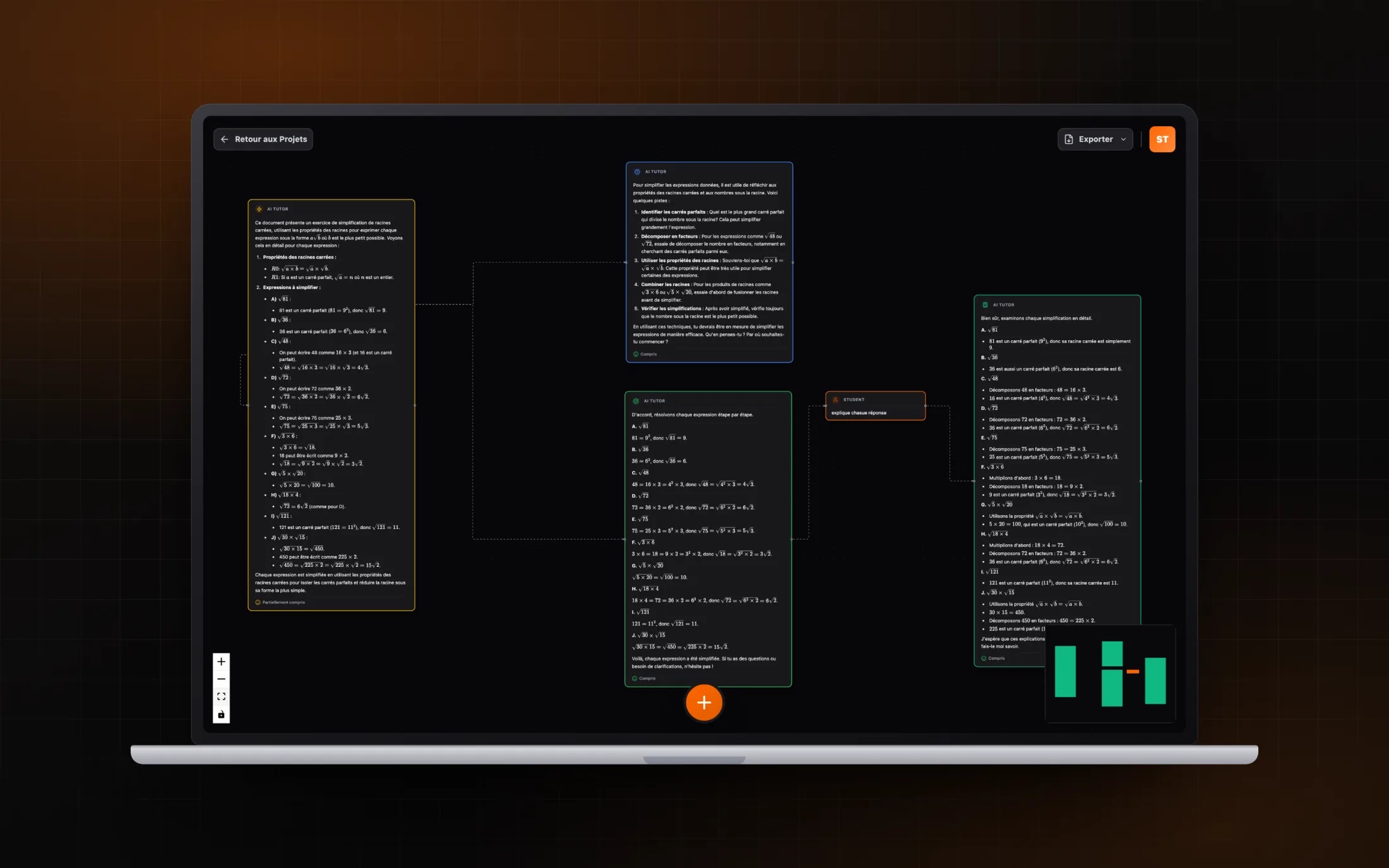
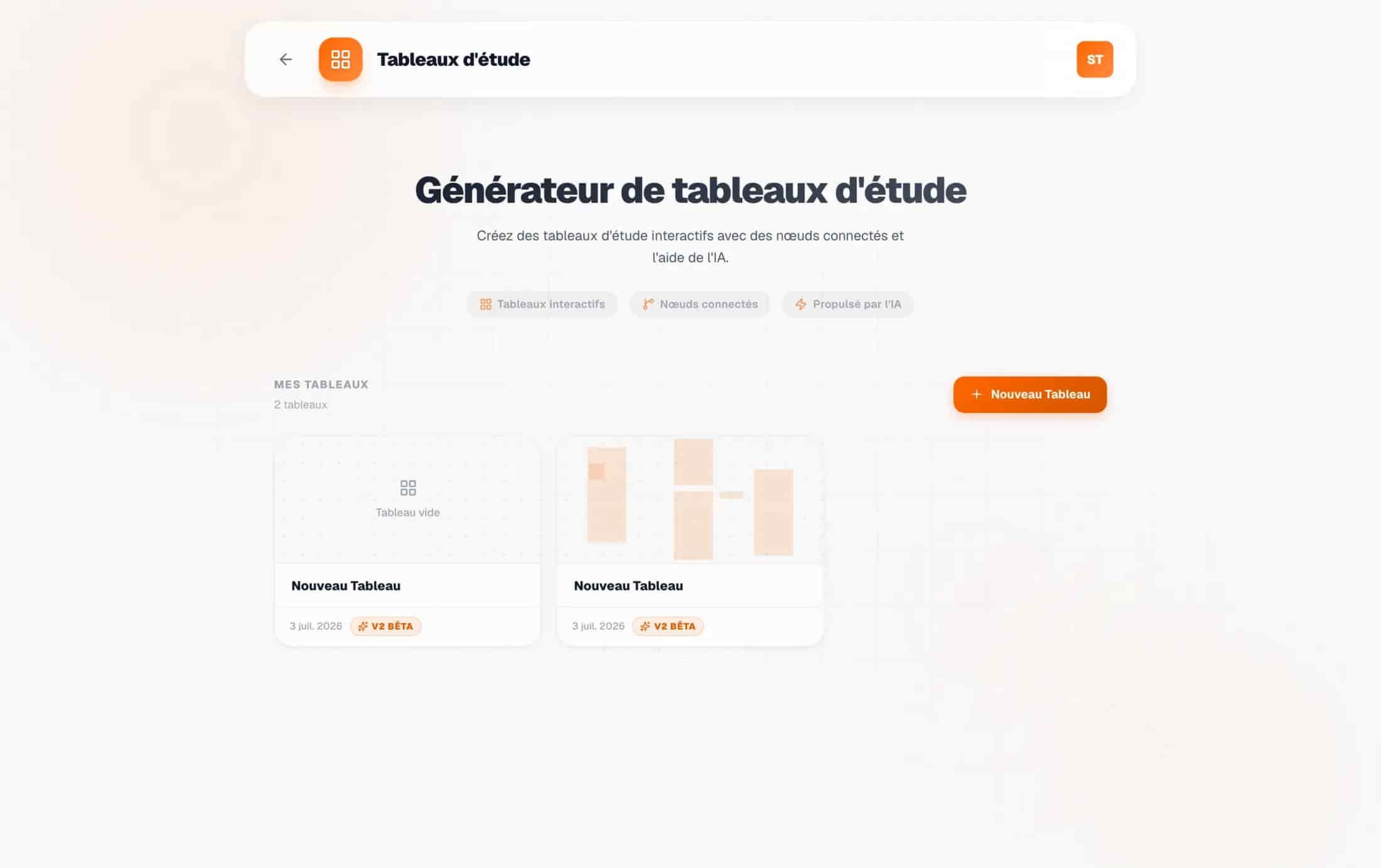
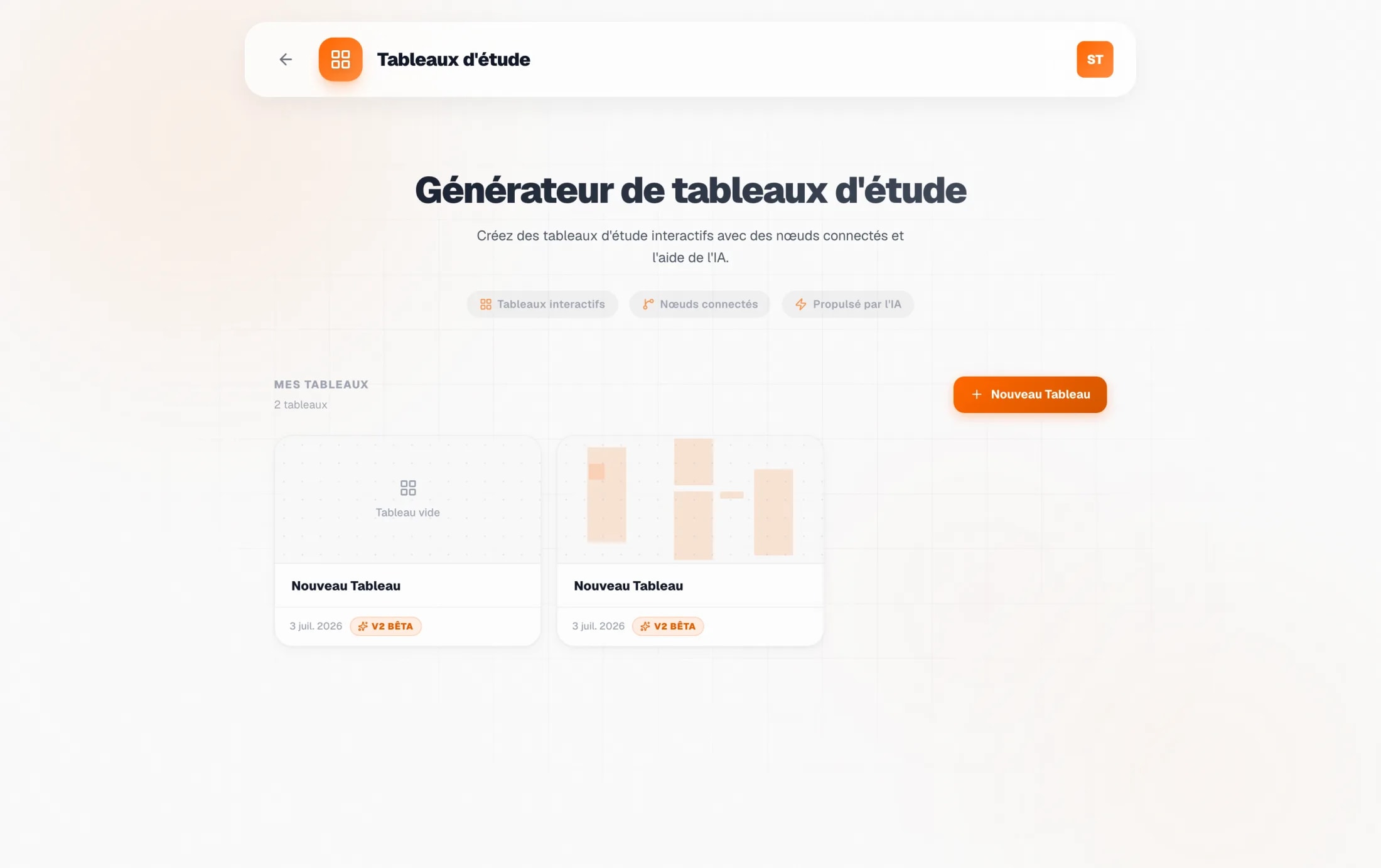
The first boards proved the direction and exposed its cost: past a dozen nodes, a map of identical cards is as illegible as the thread it replaced. The second version answered with a grammar. Every node has a type, question, explanation, hint, exercise, document or fiche, and every type has a fixed colour, so a dense board reads by shape before a single word.
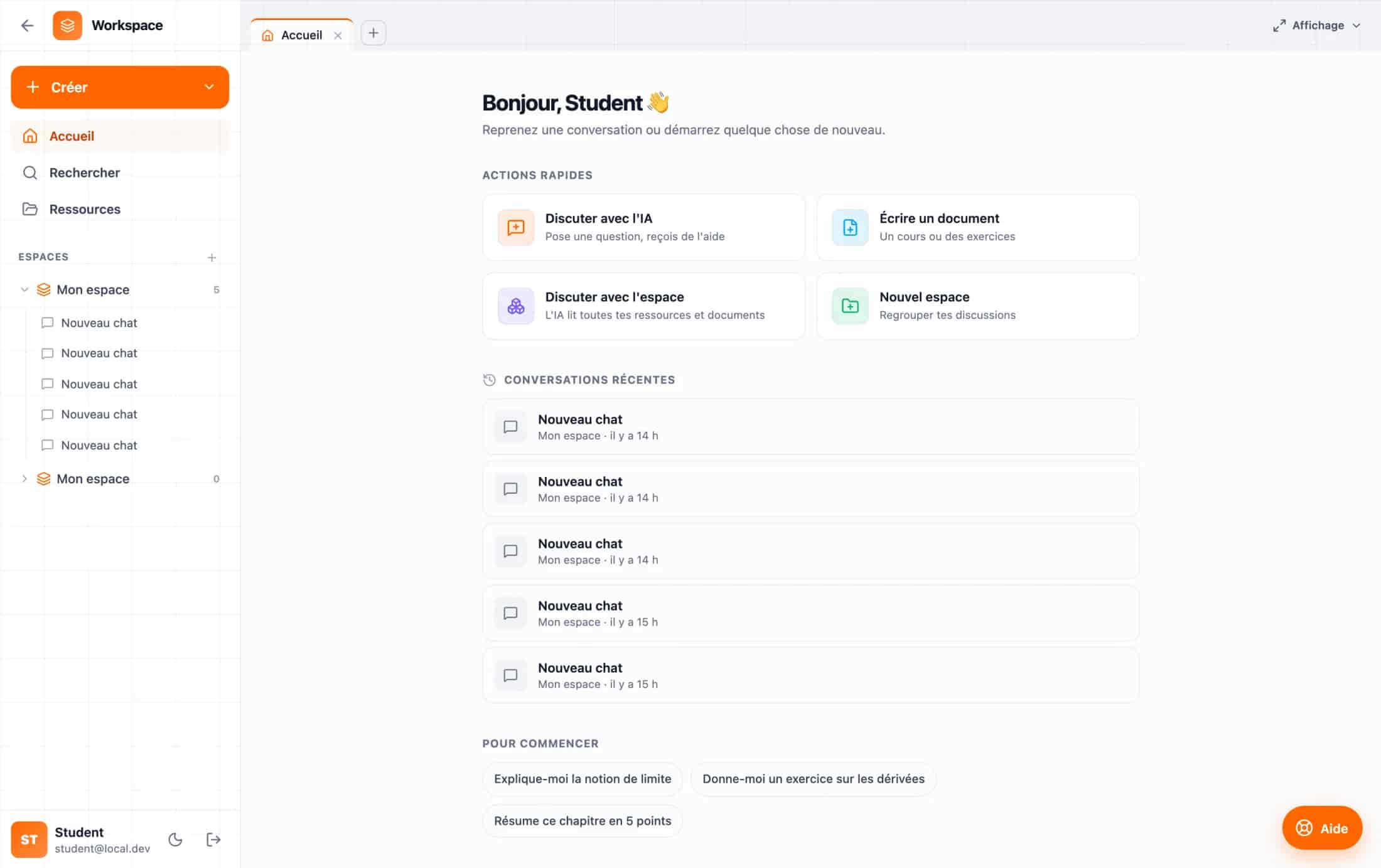
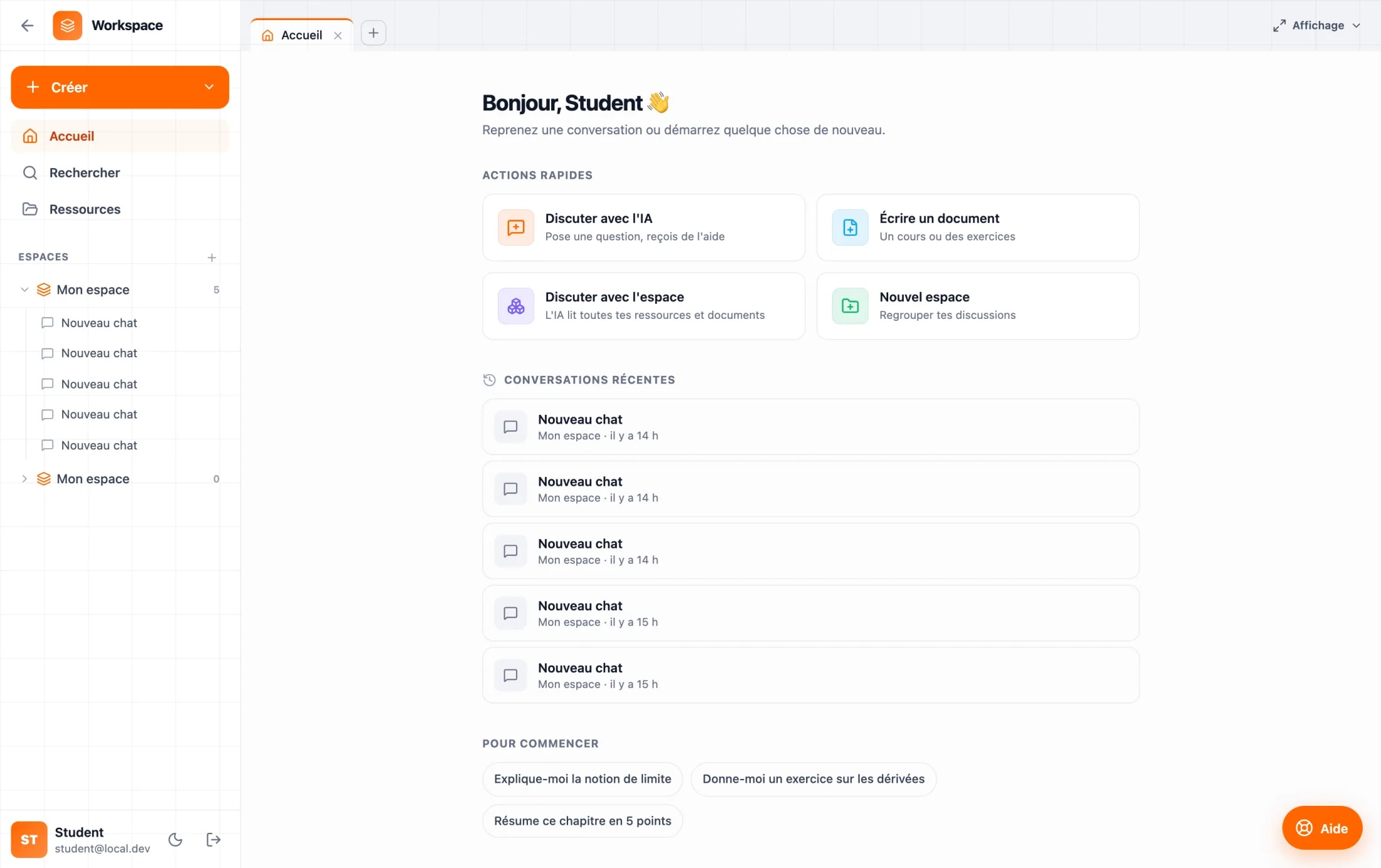
The spatial map also gained a linear twin: a reading panel that walks the same thread in order, for the moments when a student wants to be led rather than to explore. And a tabbed workspace groups chats, documents and resources, so the tutor always has the student’s own material one tab away.
Deep dive
Boards are kept, not consumed. Each one holds a live mini-map of its own graph in the library, so a revision session is an artifact a student returns to the night before a colle, not a conversation that expired when the tab closed.
05Authoring
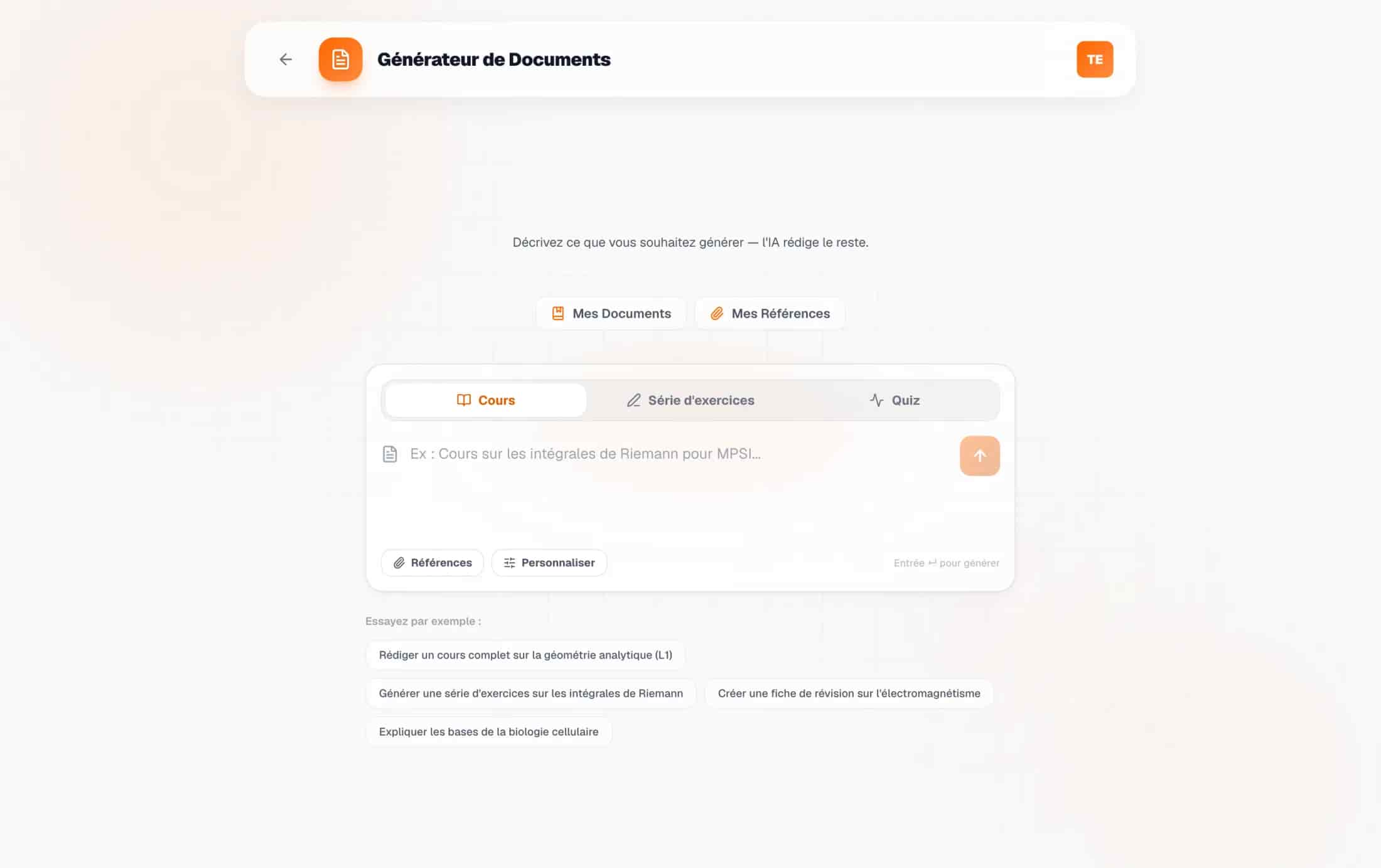
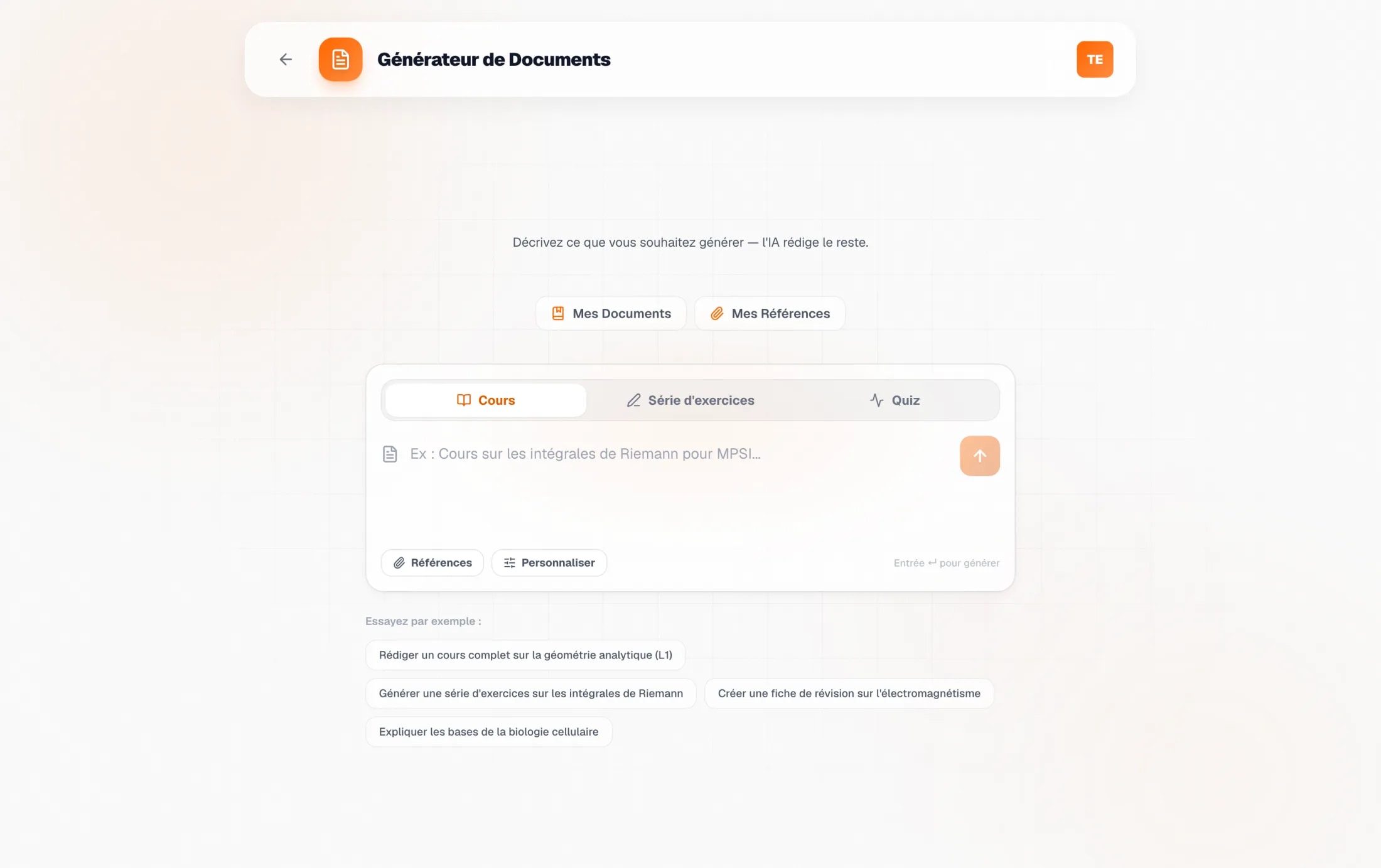
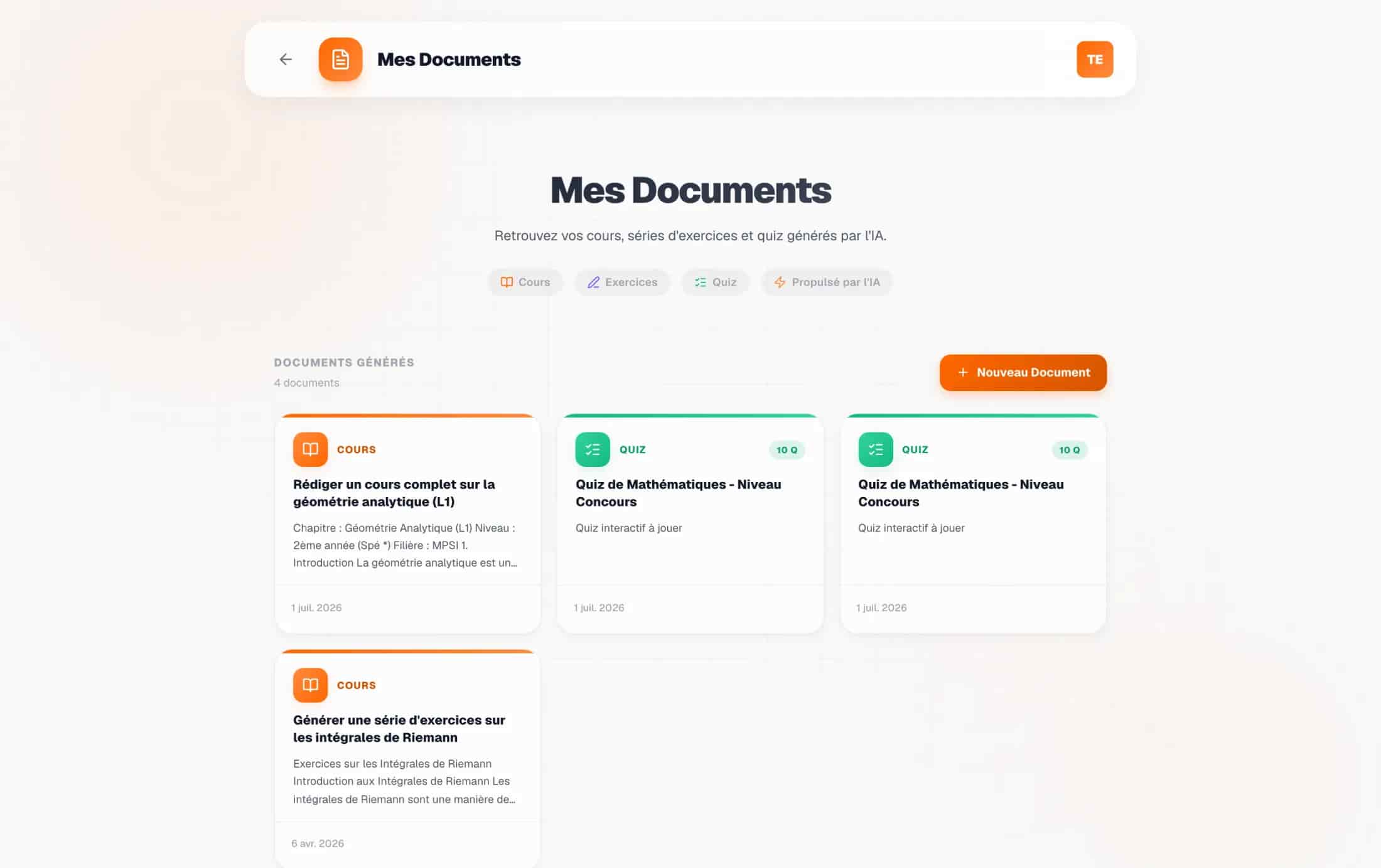
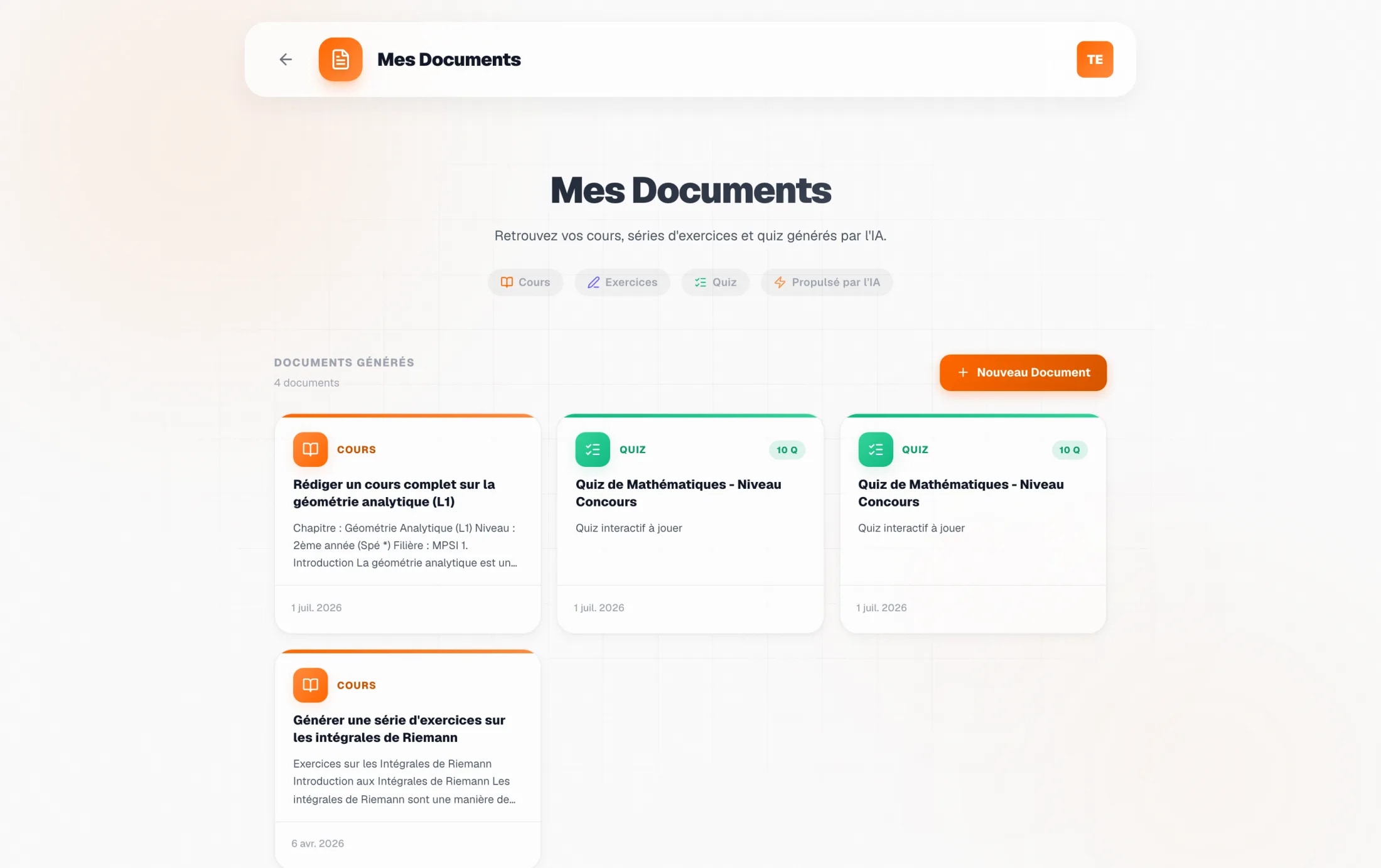
Generate a course, a problem set, a quiz
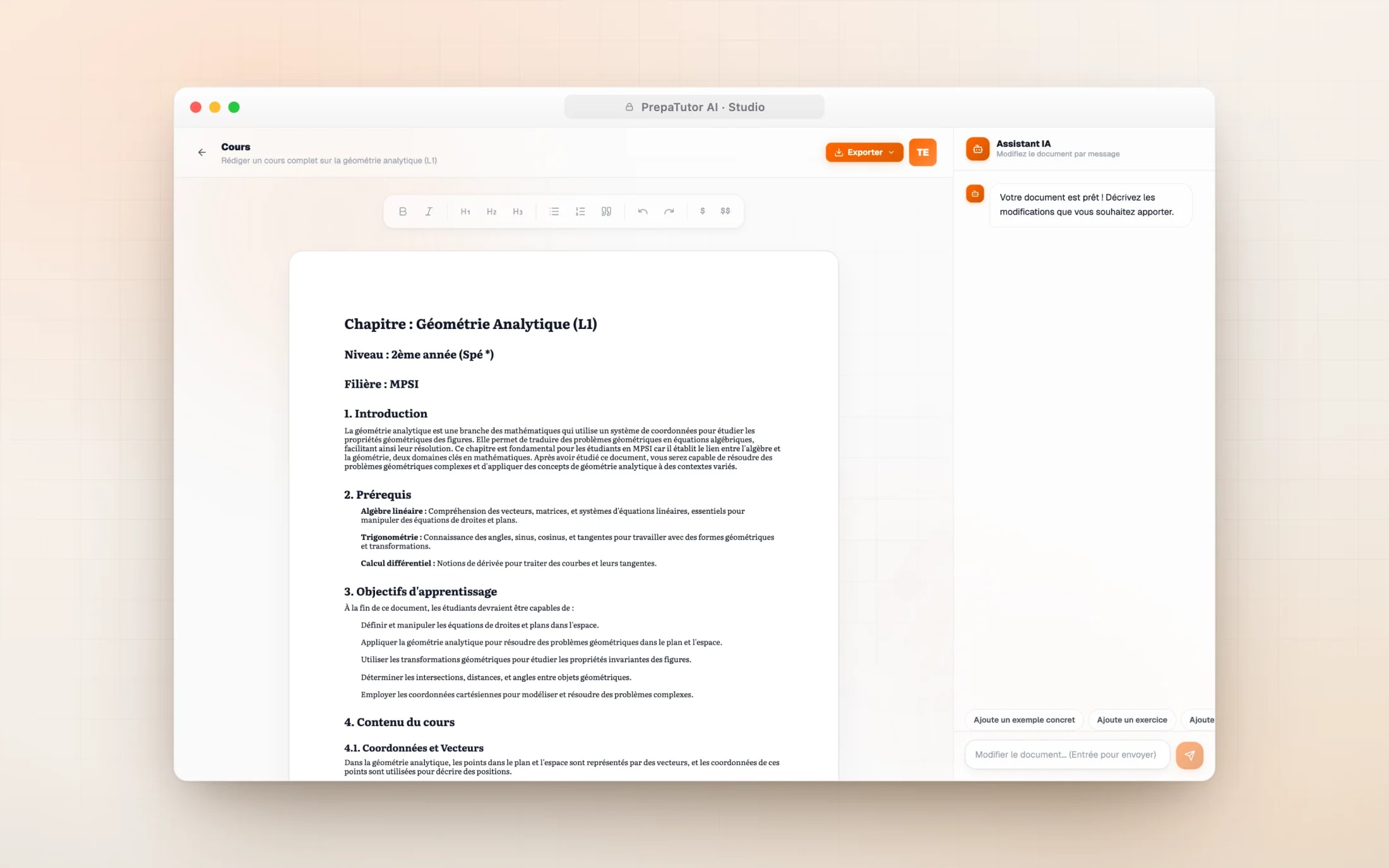
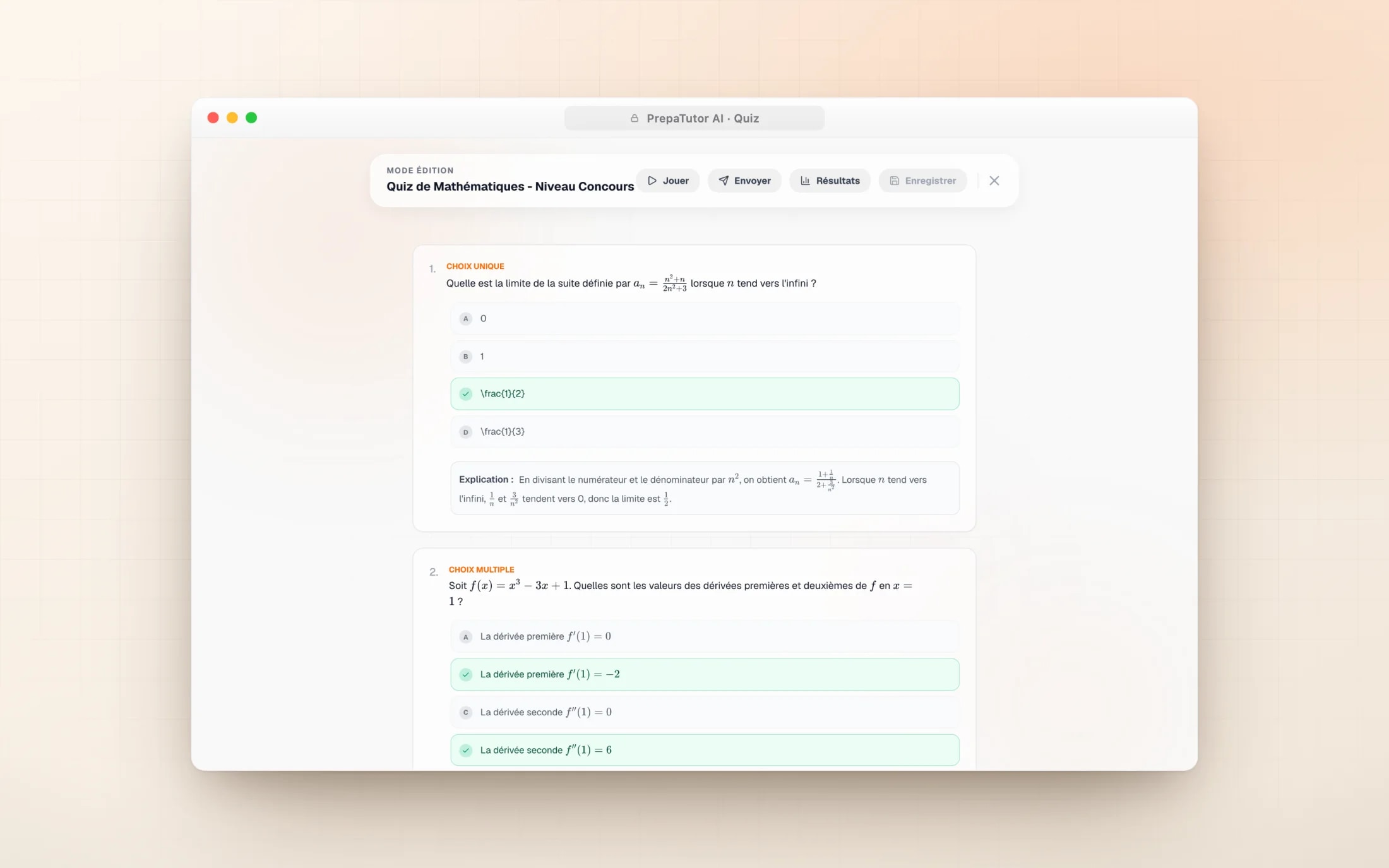
The studio’s design question was trust: a teacher will not hand students AI material they cannot stand behind. So generation is parameterised by the real prépa ladder, the filière (MPSI, PCSI, MP, PSI and the rest), the niveau from Sup to Spé étoile, the matière and a difficulty that climbs to concours level, and every request can carry a reference PDF. The prompt speaks the teacher’s language before the model writes a word.
The output opens in a rich editor with an assistant beside it, because generated is a starting state, not a final one. Ask for another example, a harder exercise or a shorter proof and the document rewrites itself. The maths is rendered live and printed straight from the page, so the formula in the editor is the formula in the exported PDF.
06Insight
See who is struggling, before the exam
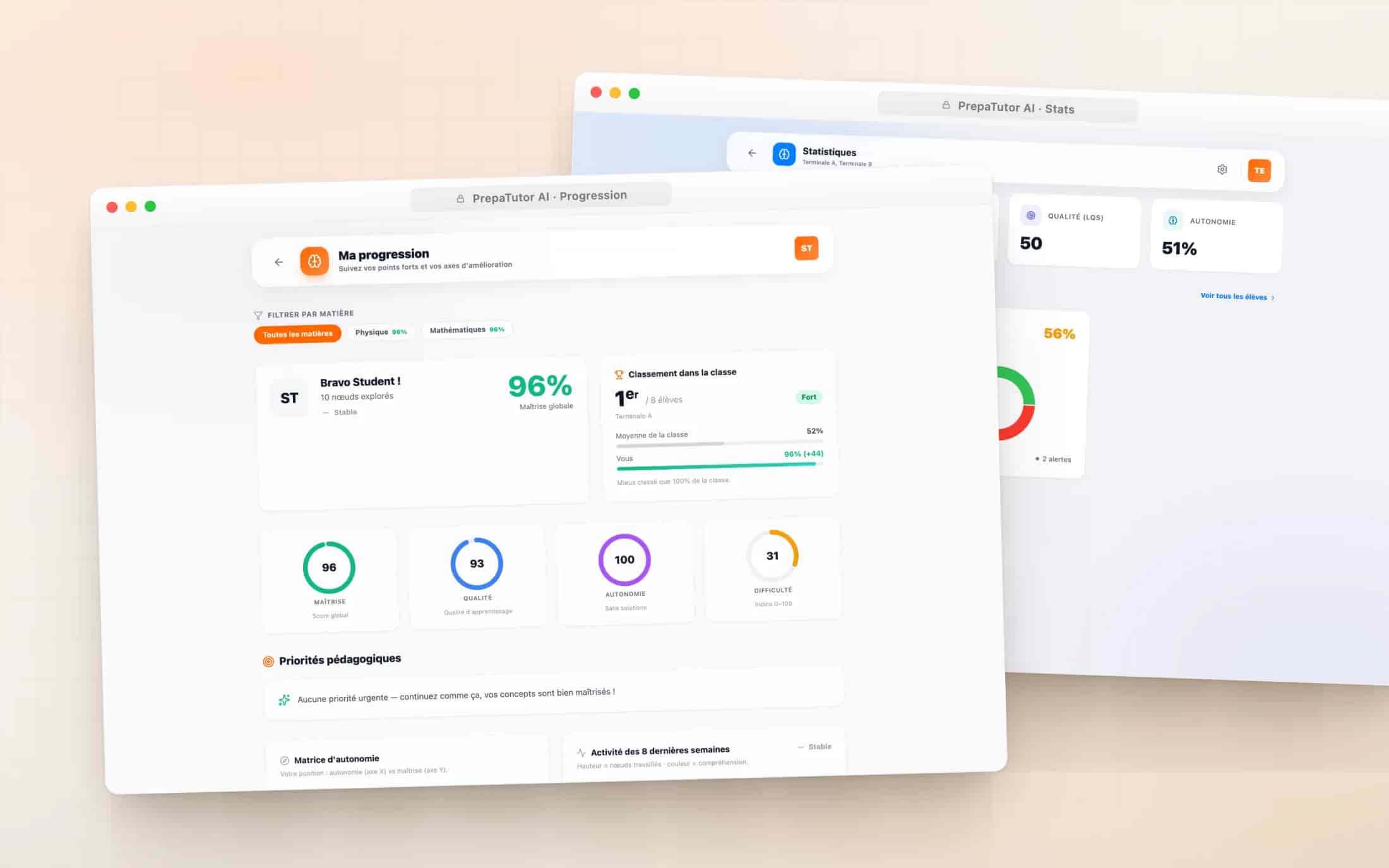
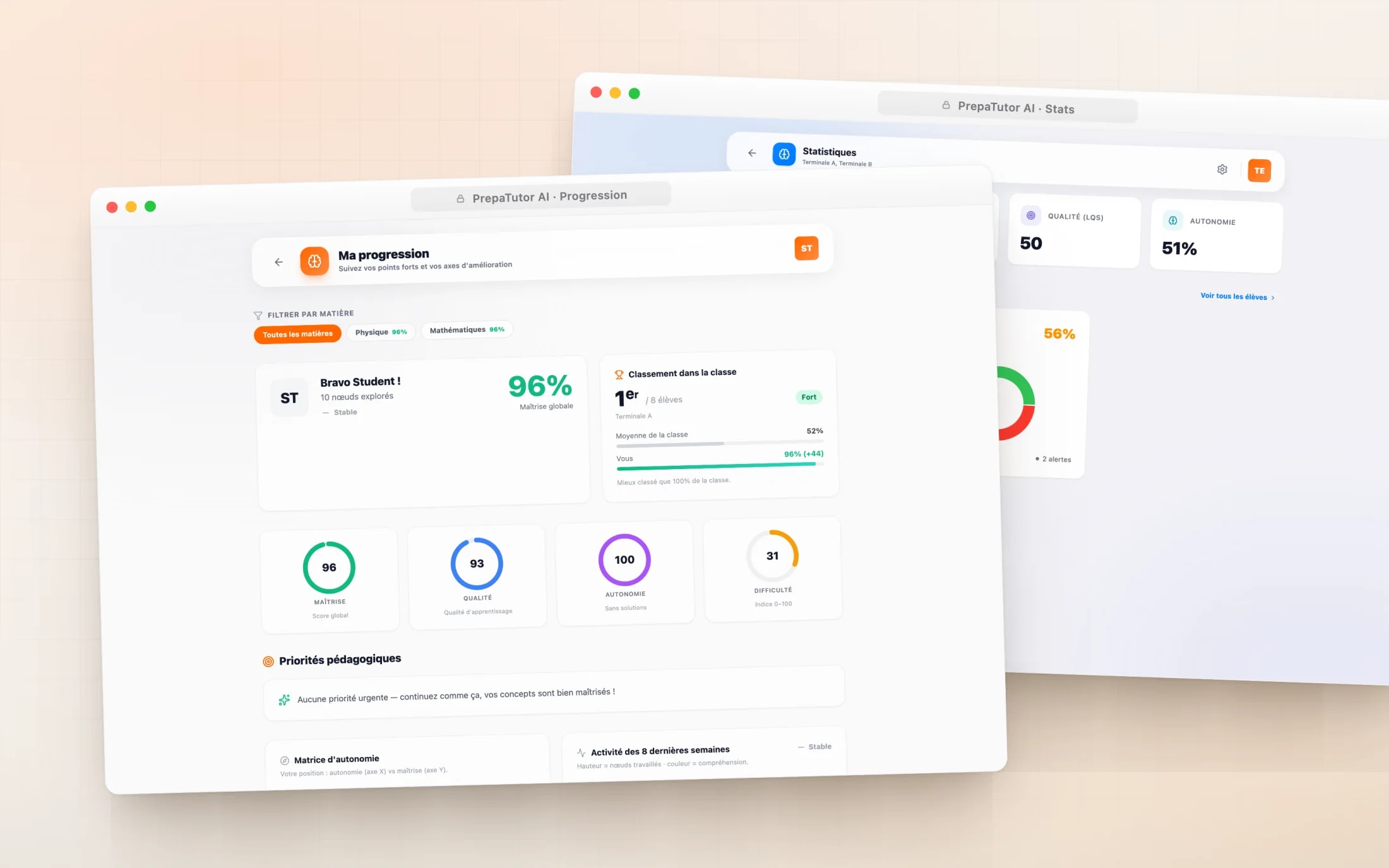
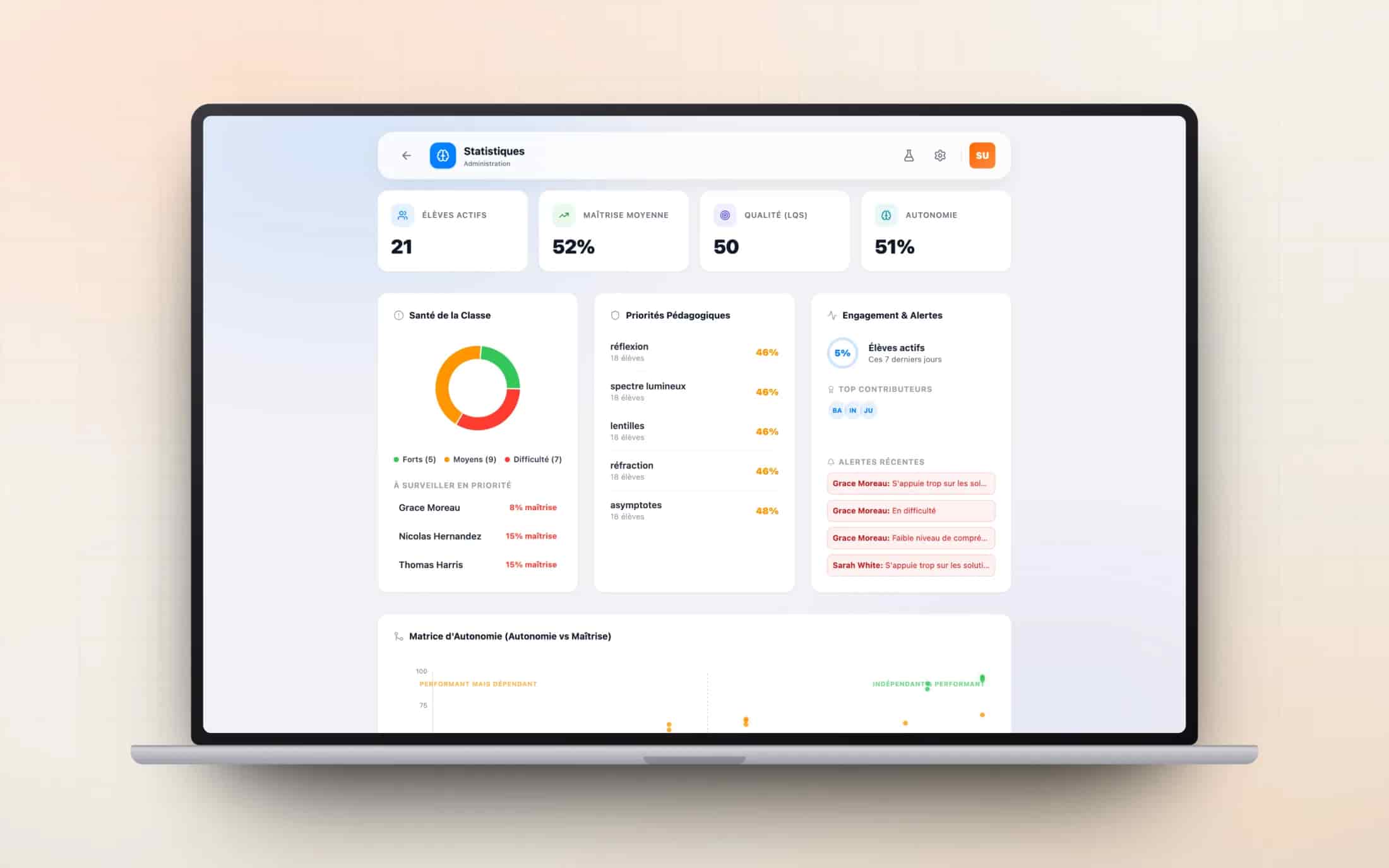
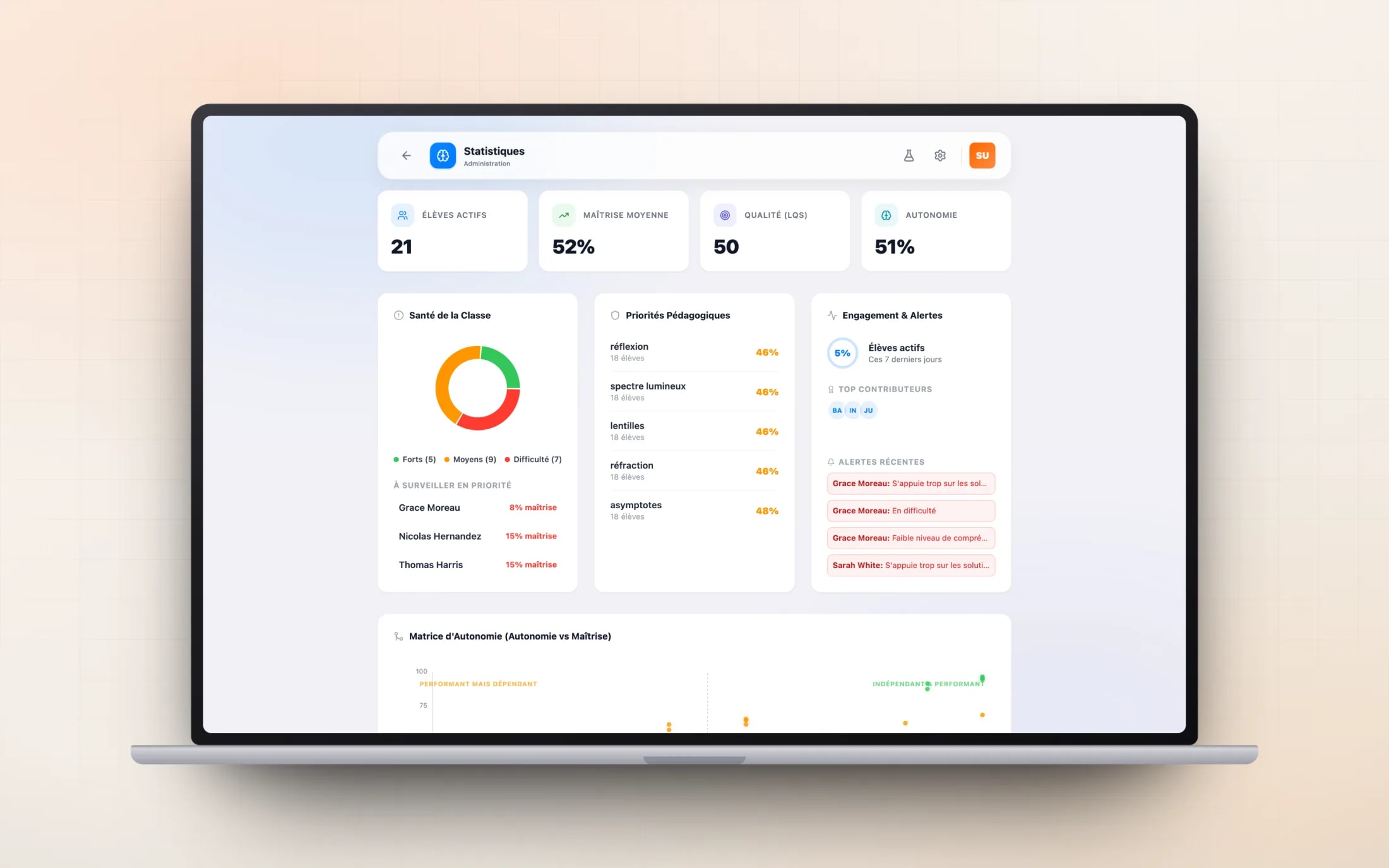
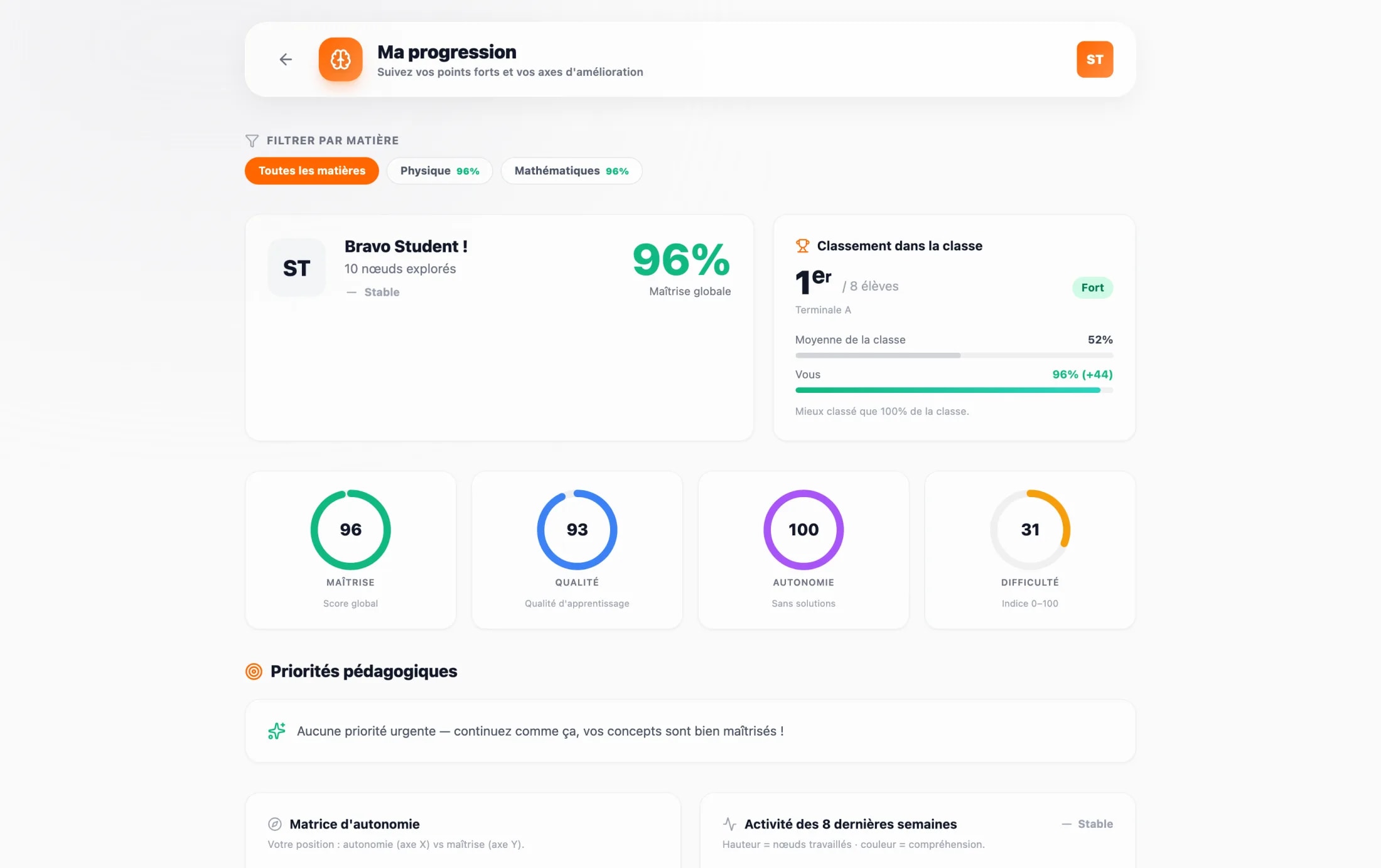
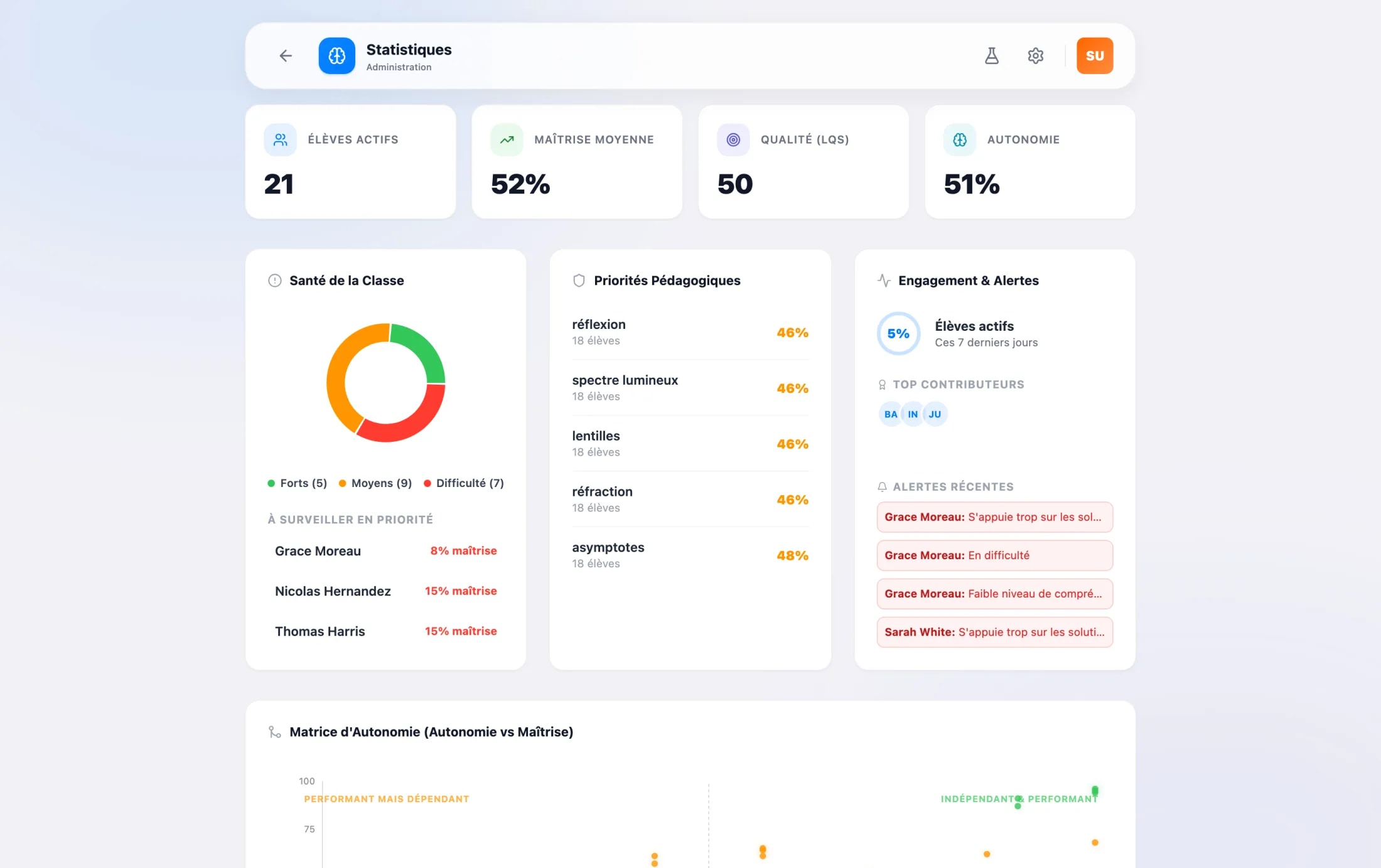
The progress layer began from a distrust of scores. A right answer can be a lucky guess; a wrong one can hide honest work. So the model reads behaviour instead: how long a student waited before opening a hint, whether they revealed the solution straight away, how often they came back, how well they said they understood. From that stream it derives mastery, learning quality, autonomy and a struggle index, per student and per concept.
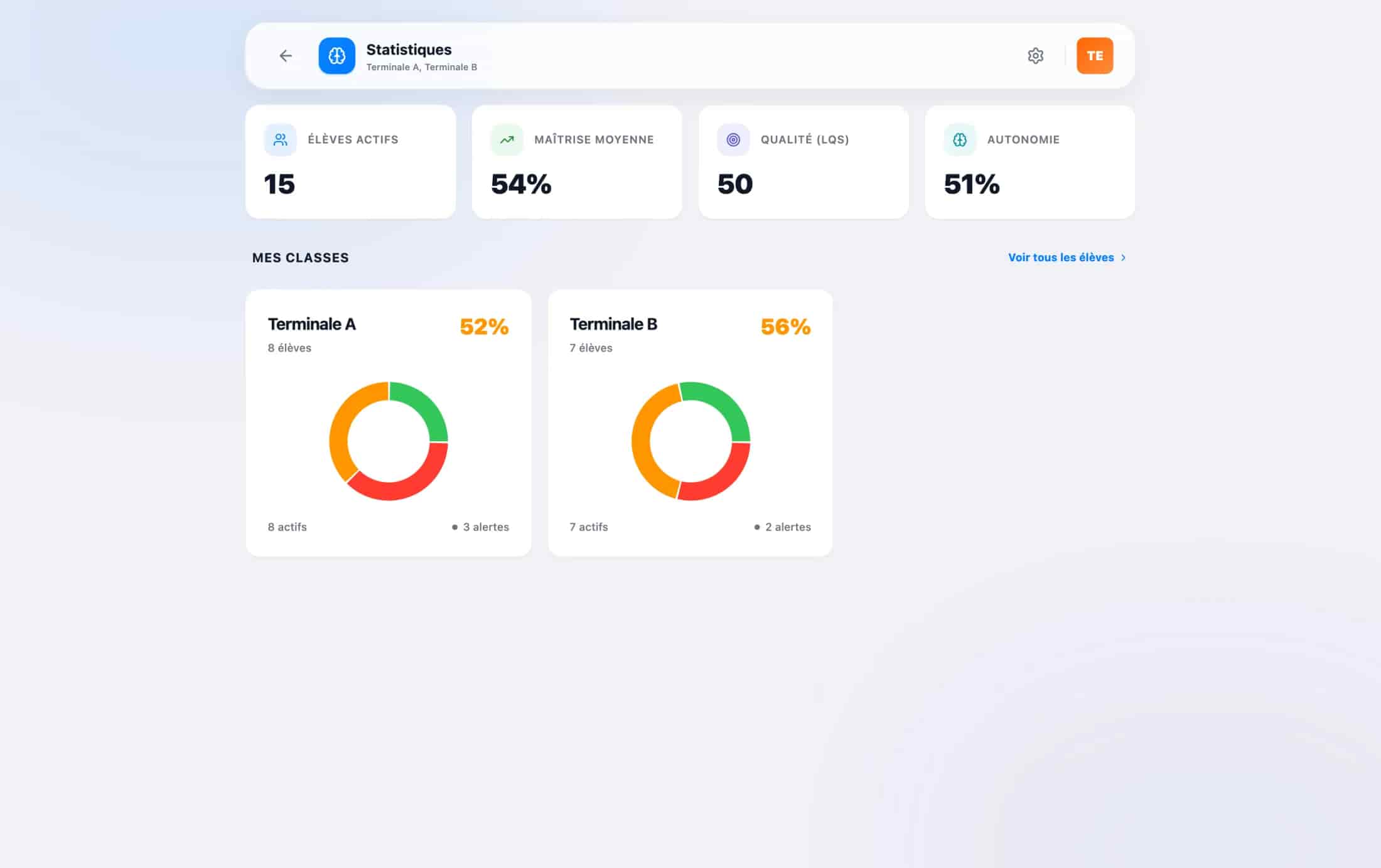
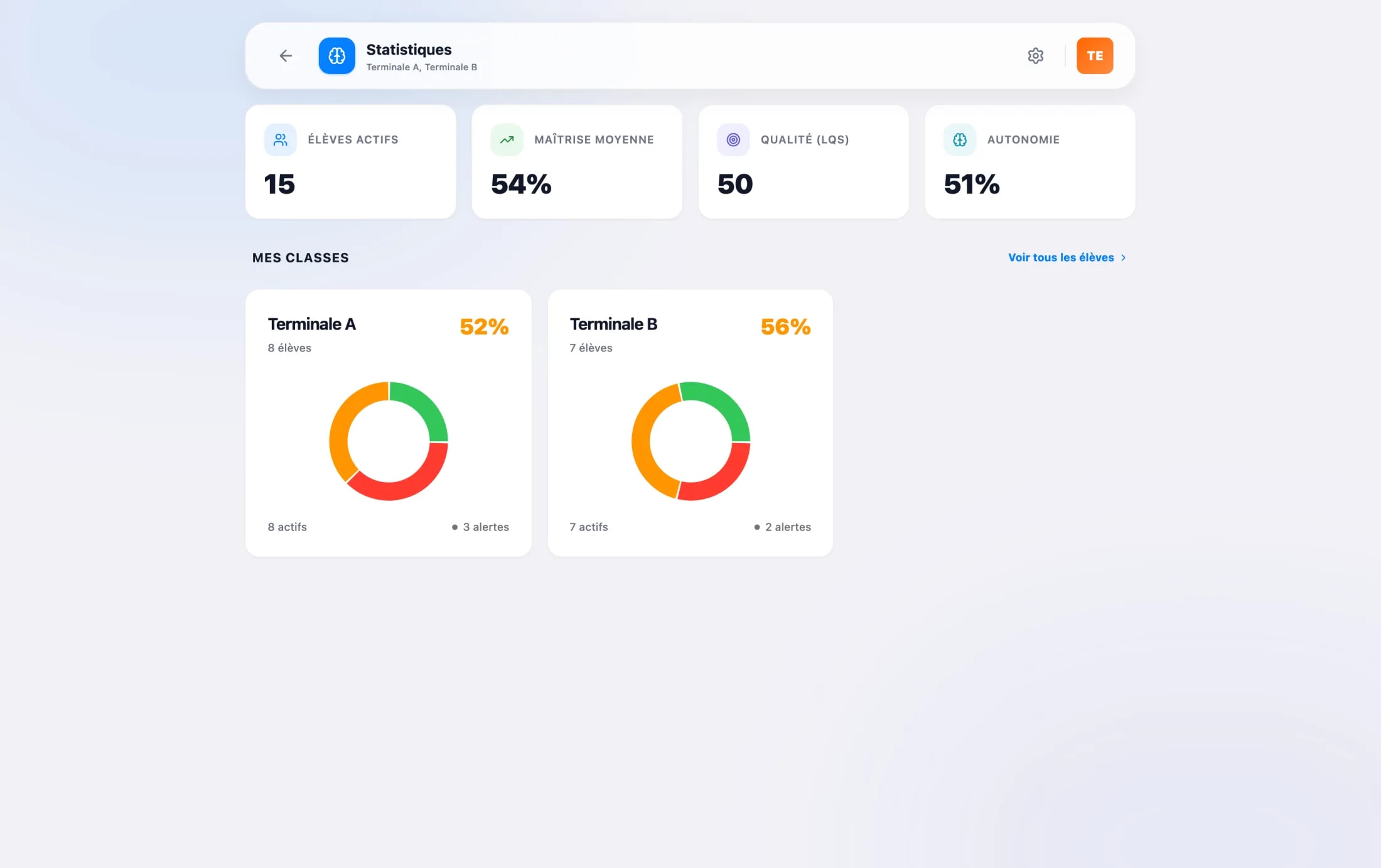
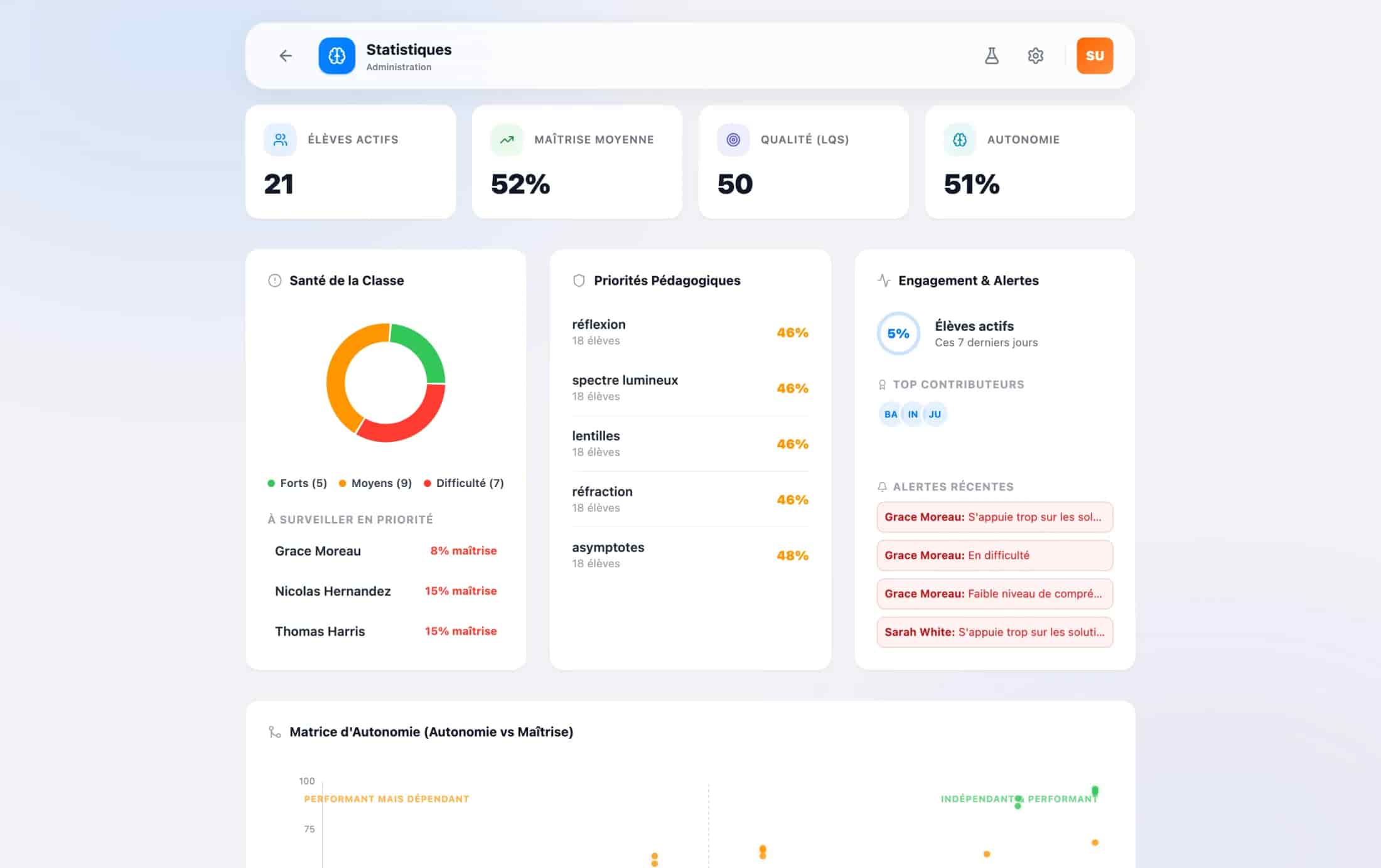
The same data is read at three altitudes. A student sees their own progress and what to work on next. A teacher sees their classes. A supervisor sees the whole school as a risk matrix with an alert feed. And the analytics surfaces deliberately step out of brand orange into a quieter, health-app palette, because dense numbers need calm, not energy.
- SignalsStudentEvery move on a board: time to a hint, reveals, returns, self-assessed understanding.
- ScoresModelThe stream becomes mastery, learning quality, autonomy and a struggle index.
- ReadingsTeacherThe same scores, read per student, per concept and per class.
- AlertsSchoolStruggling students surface in a risk matrix well before an exam does.
07Craft
One warm system, light and dark
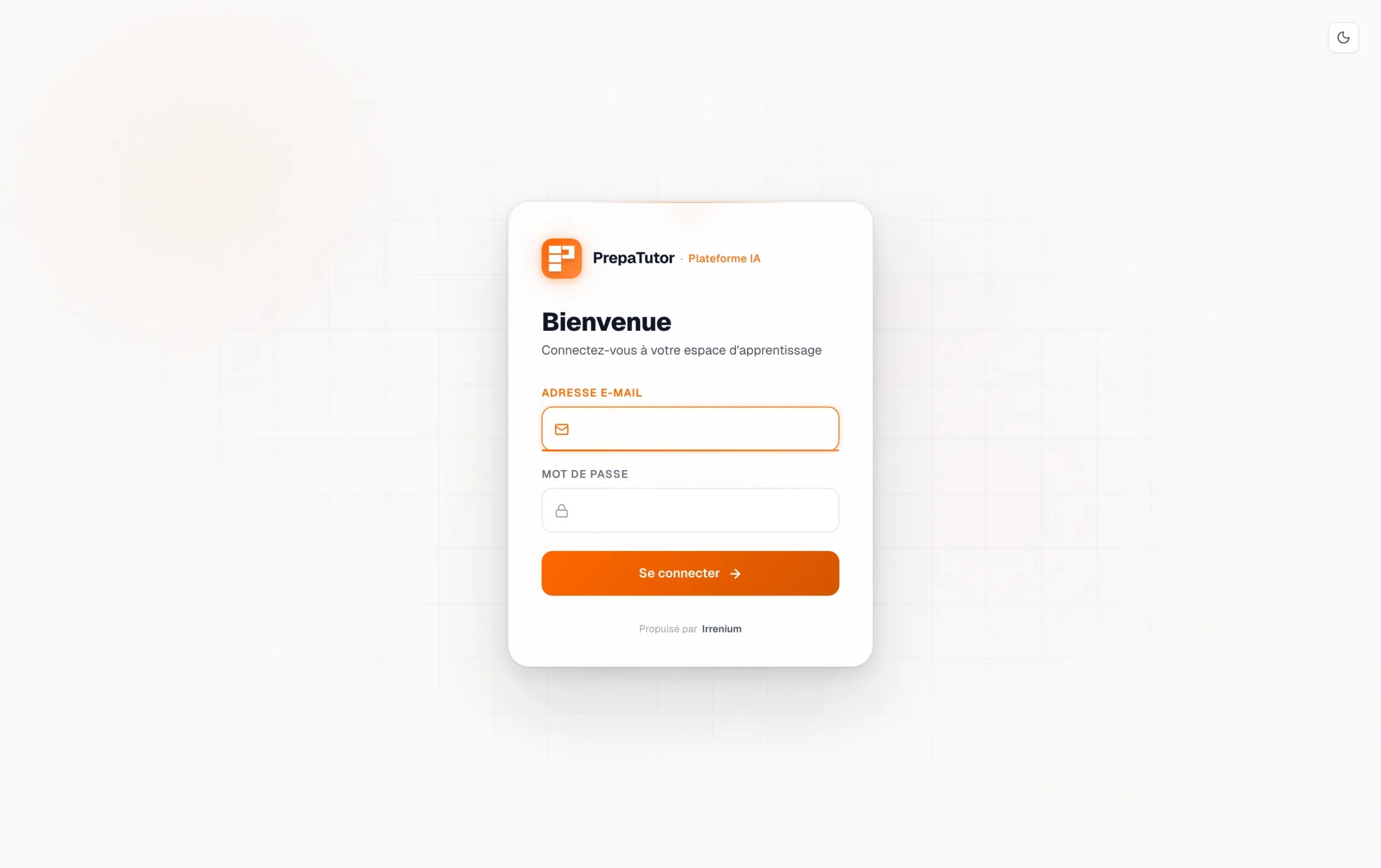
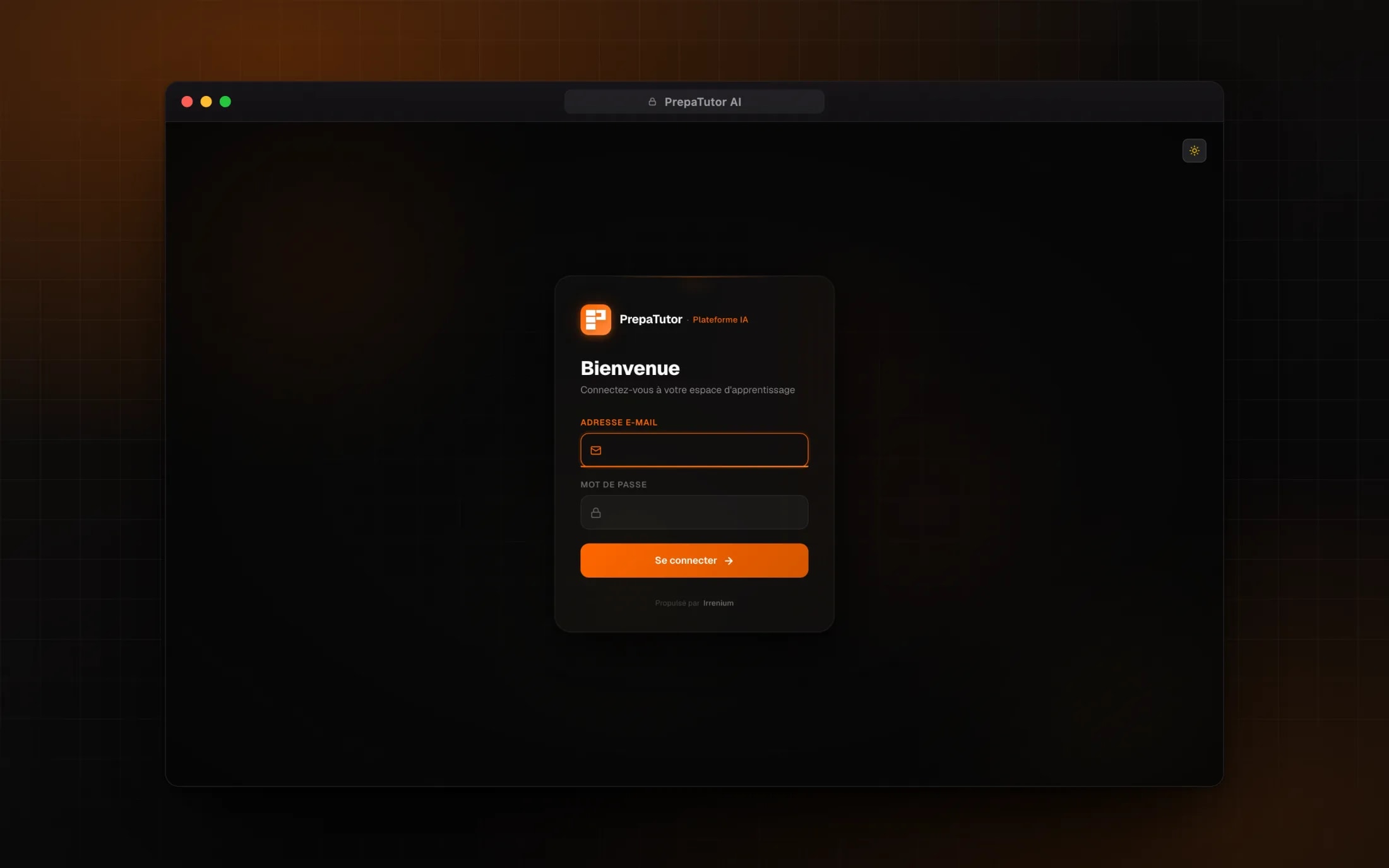
Three tools that could have felt like three apps are held together by one language. A single warm orange carries every action, Geist sets every word, and a faint graph-paper grid gives the suite a studious ground without a single illustration. Surfaces are glassy cards floating over that grid, and everything is drawn in light and dark from one set of tokens, so neither theme is an afterthought.
The colour is disciplined: orange only ever means action, while node types and the analytics layer keep their own fixed palettes, so a hue always carries meaning. And when someone is lost, an in-app assistant does not just describe where to click, it dims the page and cuts a spotlight around the real control on their own screen.
08Reflection
What shipped, and what it settled
PrepaTutor AI shipped as three AI tools behind one role-aware launcher, drawn in light and dark from one token set. What I keep from it is the board: giving an AI conversation a spatial structure did more for comprehension than any prompt tuning could, because it changed what a session leaves behind.
The other lesson is about trust surfaces. A teacher trusts the studio because its parameters speak prépa; a student trusts the tutor because its context is visible on the canvas; staff trust the scores because the pipeline behind them can be explained. On an AI product, most of the design work is the work of making the system inspectable.